Guide and capture
Prompt repair steps, photos, readings, parts, notes, exceptions, and configured confirmation at the relevant moment.
It guides the repair, defines required evidence before work is closed, and keeps the resulting record understandable after the technician leaves. The record can support supervisor, customer, warranty, contractor, or back-office review without turning CoSkip into the claim decision-maker.
Prompt repair steps, photos, readings, parts, notes, exceptions, and configured confirmation at the relevant moment.
Keep job context, evidence, open conditions, ownership, and next actions connected in one repair record.
Keep your FSM, CMMS, warranty, ERP, or work-order platform in place while pilot scope defines the handoff.
A repair becomes easier to review when each stage preserves the context needed by the next person. The broader proof capture with exception handling model shows how those evidence rules work across field-service workflows.
Connect the customer or site, asset, work order, technician, and configured warranty workflow.
Record the fault, damage, reading, reported issue, or service need before work begins.
Document what was inspected, repaired, replaced, adjusted, or tested and which parts support it.
Capture the resulting condition with the photos, readings, notes, or verification the workflow requires.
Preserve unresolved conditions, limitations, ownership, and configured technician or customer confirmation.
Present the repair, evidence, open items, and next action without forcing someone to reconstruct the visit.
See the same repair path in the browser-based product simulation.
Walk Through the Repair WorkflowThe repair may be correct while its evidence remains scattered, incomplete, or detached from the work.
Before or after evidence is missing, unclear, or disconnected from the repair step.
Parts, quantities, readings, and technician rationale live in separate notes or systems.
Blocked work, limitations, or follow-up needs are buried in free text without an owner.
A manager or warranty reviewer must chase clarification before deciding the next action.
A useful record explains the starting condition, the action taken, and the resulting condition. Photos alone rarely explain that sequence.
Need the field standard rather than the software use case? Read before-and-after documentation for warranty repair, review field-service photo and note standards, or evaluate contextual field photo documentation software.
An exception is useful only when the record explains the condition, evidence, status, owner, and next action.
State what is blocked, inaccessible, unavailable, unsafe, out of scope, or incomplete.
Connect the photo, reading, technician note, customer/site limitation, or part issue.
Keep the responsible manager, technician, contractor, customer, or back-office team visible.
Route parts, approval, scheduling, follow-up, customer communication, or further review.
Guides one repeatable field repair from starting condition through manager review.
Current use caseDefines the evidence layer: before/after proof, parts, notes, exceptions, and signoff.
Explore warranty proof of work →Explains how field evidence becomes a claim-supporting review package without deciding the claim.
Review the warranty documentation package →Verifies final requirements, exceptions, confirmation, and downstream handoff.
Explore closeout software →Organizes the reviewer-facing output from completed field work.
Explore proof packets →The first workflow should have known proof requirements, common exceptions, and a clear reviewer.
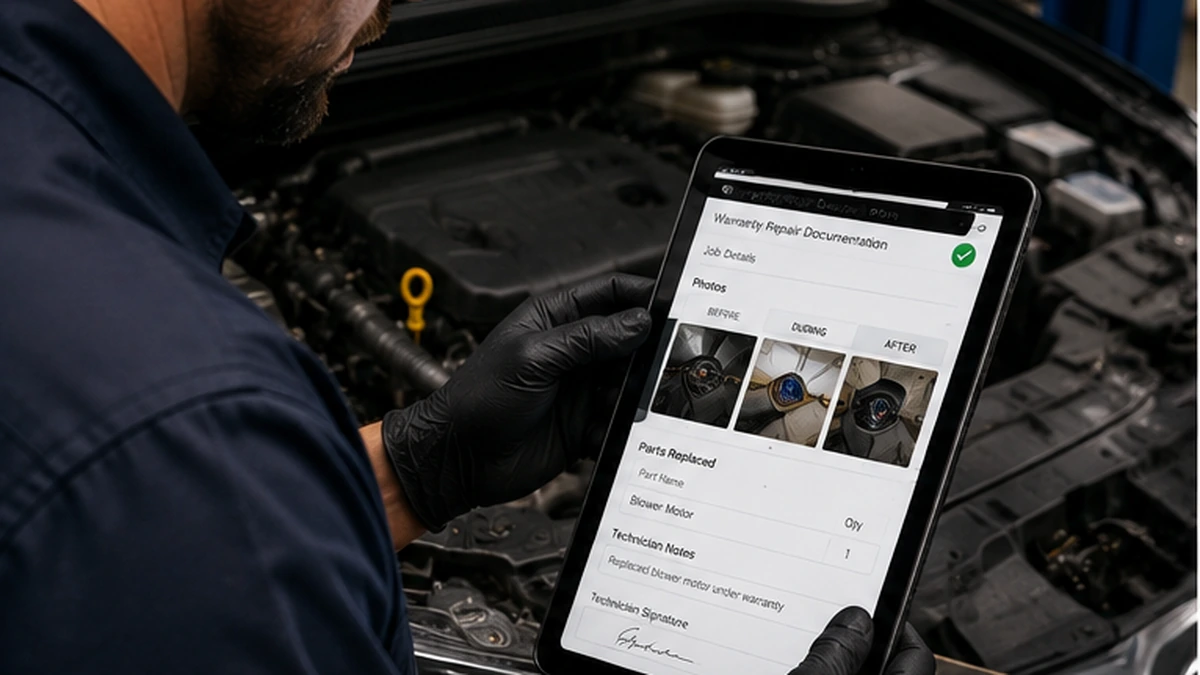
Asset context, starting condition, repair action, parts, after proof, exceptions, and confirmation.
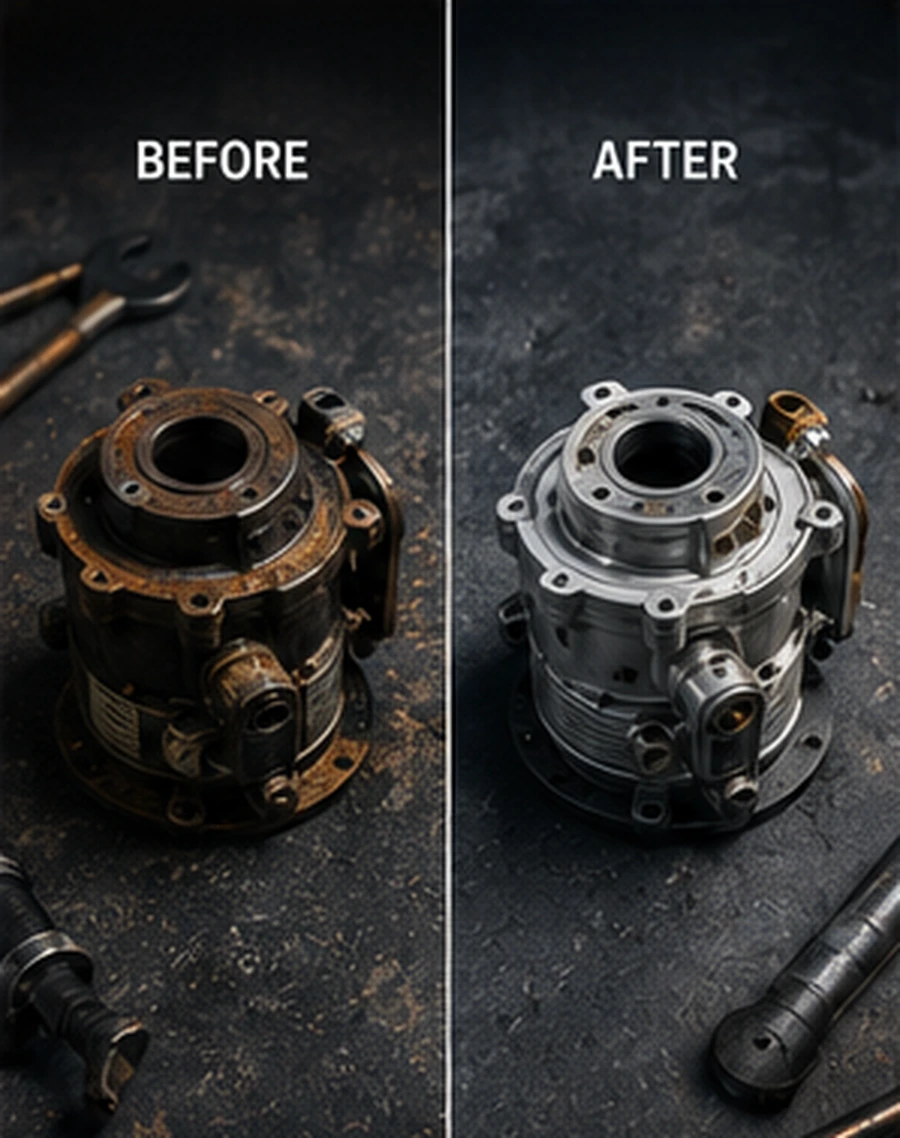
Condition photos, readings, notes, and timestamps tied to the exact repair step.

Part identification, quantity, repair action, technician rationale, and resulting condition.
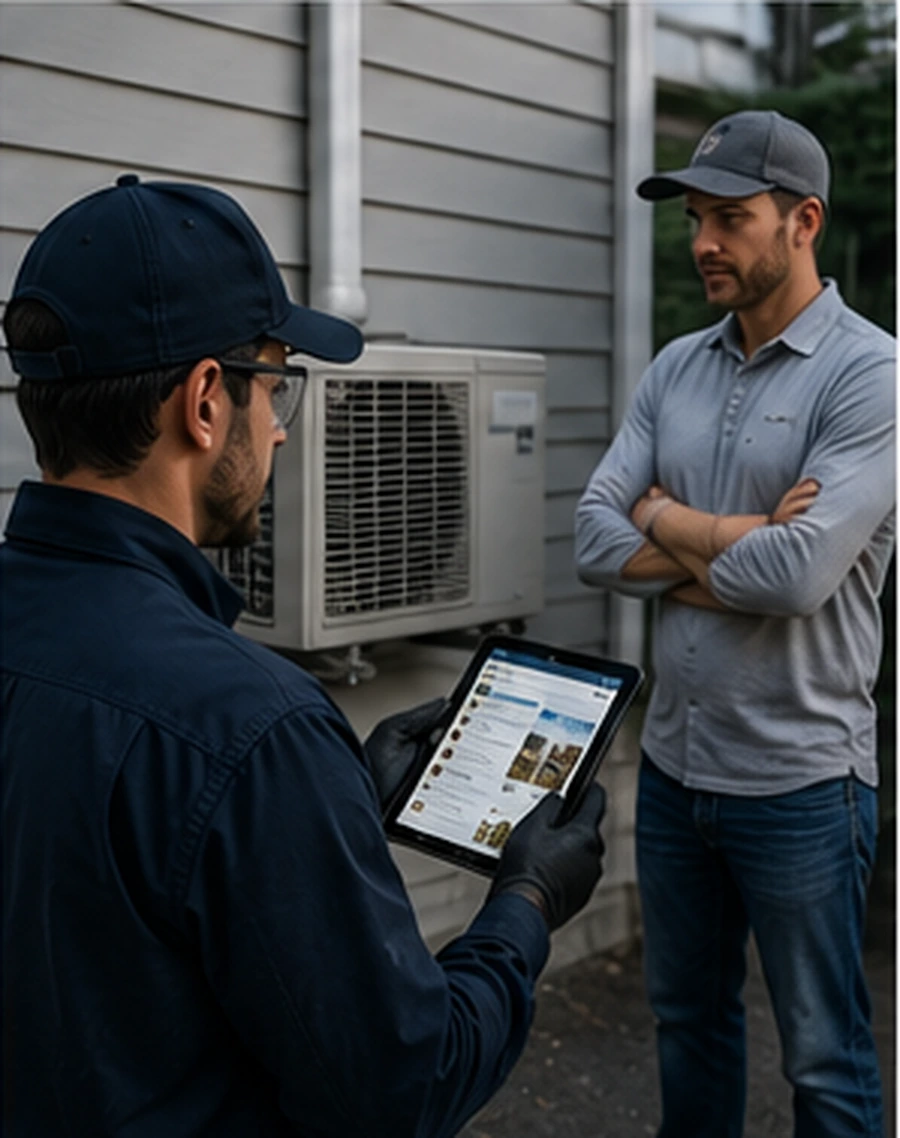
Configured requirements, contractor notes, step-level proof, exception status, and supervisor review.
CoSkip can organize the field execution record into a proof packet with the repair sequence, evidence, exceptions, confirmation, and reviewer context. The packet supports review; it does not guarantee approval or replace warranty policy.
A focused pilot may be scoped over approximately 6-10 weeks depending on workflow, systems, security review, and field conditions. Start with one repeatable repair workflow, a small field group, and a clear reviewer.
Share the workflow, current documentation path, and proof requirements. CoSkip will review whether the repair sequence is a practical fit for guided work and a focused pilot.
No claim approval, pilot acceptance, or operational outcome is guaranteed.
Warranty repair documentation software guides field repair steps and keeps the resulting evidence record connected. Depending on the configured workflow, that record can include job and asset context, before-and-after evidence, repair actions, parts, readings, technician notes, timestamps, exceptions, confirmation, and review status.
A useful record should identify the job and asset, show the starting condition, explain the repair action and parts used where relevant, show the resulting condition, preserve exceptions and limitations, retain configured confirmation, and identify the review or follow-up path.
Before-and-after evidence should be captured at defined workflow steps and connected to the asset, repair action, timestamp, and technician context. The goal is to show what changed, not simply to collect two unrelated photos.
Yes. A configured CoSkip workflow can prompt for parts, quantities, repair actions, readings, technician observations, and required proof at the step where that context matters.
The record should describe the condition, attach relevant evidence, identify its status, assign an owner, and state the expected next action. CoSkip supports configured exception paths; it does not replace technician or manager judgment.
A workflow can be configured to surface required proof, missing items, exceptions, confirmation, and repair context for manager review before the record moves to its next destination.
They can support review by organizing the field record and making the repair sequence easier to understand. CoSkip does not guarantee warranty approval, reimbursement, dispute resolution, or customer acceptance.
Warranty proof is the field evidence tied to the work, such as photos, parts, notes, timestamps, exceptions, and confirmation. Claim documentation organizes the relevant evidence into a claim-supporting review package. Neither determines coverage or adjudicates the claim.
No. CoSkip is designed to support guided field execution and evidence capture beside the operational system. Export, API, webhook, identity, security, and retention requirements are scoped during pilot planning.
Start with one repeatable workflow that has known before-and-after requirements, recurring parts or repair context, common exceptions, a clear review owner, and enough examples or procedures to configure and evaluate the workflow.
See how guided repair steps can keep before-and-after evidence, parts, technician notes, timestamps, exceptions, confirmation, and manager review connected from the field to the final record.