Loading...
Back to top
Voice & visual AI guidance

AI guidance for every technician in the field.

CoSkip lets technicians show what they see, ask questions out loud, and get step-by-step guidance from manuals, SOPs, job notes, and company expertise - right at the point of work.

Scale senior-tech knowledge across the team while cleaner notes, evidence, and closeout details are captured as the work happens.

CoSkip guides the technician through the work first, then captures notes, photos, evidence, and closeout details in the background.

AI Field Guidance Ask by voice. Show what you see. Get guided step by step. Close cleanly.

CoSkip brings manuals, SOPs, job notes, and company expertise to the technician's moment of work.

  1. Ask by voice
  2. Show what you see
  3. Get guided step by step
  4. Close cleanly
  • Manuals
  • SOPs
  • Job notes
  • Company expertise
  • Cleaner closeout
Why field work still leaks margin

The technician needs guidance before the proof exists.

Field teams lose time when technicians have to search manuals, message senior techs, or reconstruct the job record later. CoSkip brings guidance to the point of work, then captures notes, evidence, and closeout details as a byproduct.

Margin Leak DiagnosticProof gaps that slow review
How CoSkip works

Company knowledge becomes voice and visual guidance at the jobsite.

CoSkip turns manuals, SOPs, job notes, and expert process knowledge into step-by-step support technicians can use while diagnosing, inspecting, repairing, or closing out work.

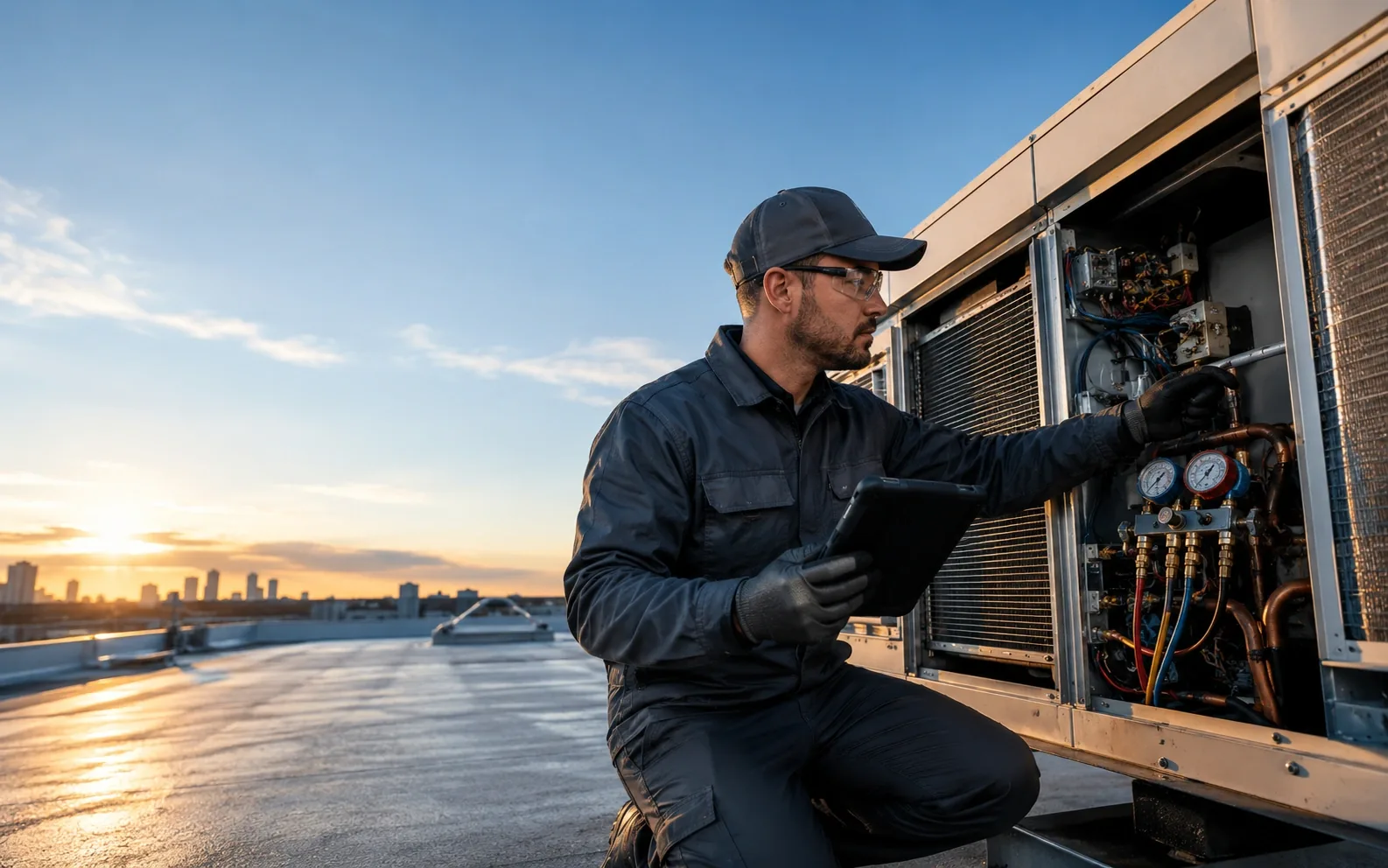
Field technicians using CoSkip guided work and proof capture across service workflows.
Field workflow command centerWorkflow document imported
Workflow source

Import the workflow

SOPs, checklists, job notes, required photos, asset data, and closeout requirements become a guided path.

  • SOP parsed
  • Required proof mapped
  • Closeout path created
Proof output

The output is not another form. It is proof.

Every guided job can become a proof packet: photos, timestamps, readings, notes, exceptions, signatures, and verified steps organized into a review-ready closeout record.

CoSkip proof packet preview showing step-tied evidence, before and after photos, supervisor review, and export-ready closeout.
Step timeline

Capture nameplate photo

Photo captured with timestamp and tied to the asset verification step.

  • 7 / 7 steps verified
  • 4 proof items captured
  • 1 exception resolved
  • Export-ready
Export paths Supervisor Review Customer Handoff Warranty Claim Audit Record
Choose your path

Start with the next step that matches where your team is.

Whether you want to see the product, build the business case, or scope one workflow, CoSkip gives your team a practical way to move forward.

Explore
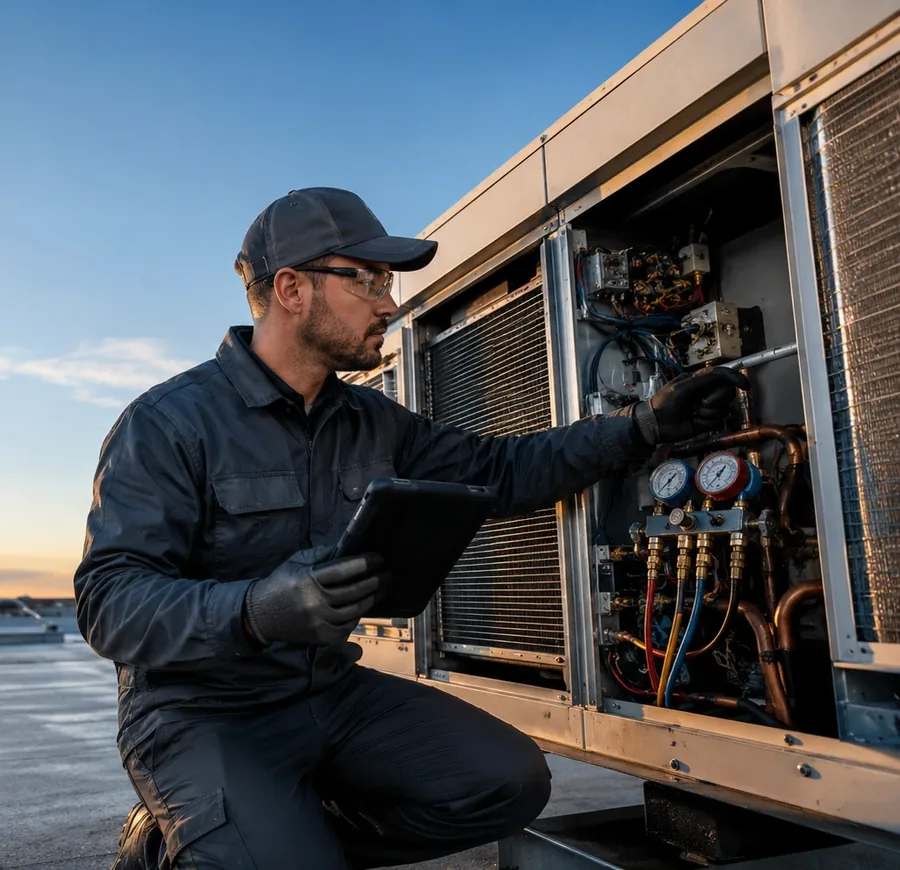
HVAC technician completing a preventive maintenance close-out workflow.

I want to see the product.

Walk through guided field work, proof prompts, exception capture, and the closeout packet CoSkip creates after the job.

Best for teams evaluating the product experience first.
Business Case
CoSkip ROI preview showing field operations cost drivers and improvement signals.

I need to build the business case.

Use the Pilot Kit and ROI calculator to align operations, finance, IT, and leadership around one workflow.

Best for teams preparing internal alignment.
Workflow Scope
CoSkip pilot preview showing one workflow moving from setup to field test and review.

I know the workflow we should test.

Request a teardown to map steps, required proof, exception paths, system handoffs, and pilot fit.

Best for teams ready to scope one repeatable workflow.
Best first step

Start with one workflow. Leave with a proof map.

Pick one repeatable workflow - PM closeout, inspection, warranty repair, customer handoff, safety checklist, or service-call closeout. CoSkip helps map the steps, required proof, exception paths, review owners, system handoffs, pilot assumptions, and recommended next action.

Workflow Proof MapSample deliverable
CoSkip workflow proof map deliverable showing required proof, risks, review owners, and pilot readiness.
01 Confirm asset and location

Attach the right equipment record before the job starts.

Asset photoGPS/time
02 Inspect condition

Capture the condition evidence supervisors need later.

PhotoReading
03 Resolve exception

Keep callback, warranty, or dispute risk tied to the step.

NoteBefore/after proof
04 Capture signoff

Close with the review path and export handoff already defined.

AttestationReview owner
Deliverables
  • Workflow steps mapped
  • Required proof checklist
  • Exception paths identified
  • Review owner defined
  • Pilot-readiness recommendation
  • Suggested success metrics
  • Integration/system handoff notes
Best fit

CoSkip is best when the workflow is repeatable, proof-heavy, and hard to review later.

  • Required photos, readings, notes, or signoffs
  • Supervisor, customer, warranty, or audit review
  • Callback, dispute, or rework risk
  • Technician ramp or consistency challenges
  • Existing SOPs, checklists, job notes, or closeout examples
May need more prep
  • Fully ad hoc work with no repeatable process
  • No defined proof requirements
  • No field lead or operations owner
  • No measurable pilot outcome
Next action

Use the teardown to decide whether to configure guidance, gather more examples, or move to pilot scoping.

  • Workflow fit recommendation
  • Proof packet expectations
  • Suggested pilot path
Pilot planning

Build the business case before launching field AI.

The Field AI Pilot Kit helps operations, field leadership, IT, finance, and executive sponsors align around one workflow, clear proof requirements, measurable outcomes, and a practical 6-10 week pilot path.

Field AI Buyer's Guide Proof Packet Template Pilot Planning Worksheet Callback & Closeout Cost Worksheet Security & IT Review Checklist Integration Planning Worksheet Vertical Workflow One-Pagers Technician Adoption Checklist Pilot Readiness Scorecard First 30 / 60 / 90 Day Pilot Plan
Pilot success criteria

What your first field AI pilot should measure.

A good pilot should not be vague. CoSkip helps teams define the workflow, proof requirements, review path, and improvement signals before expanding.

Callback rate

Repeat visits eat capacity and margin.

Repeat visits per 100 completed jobs.Pilot signal: avoidable returns become easier to catch.
Closeout time

Late documentation creates admin drag.

Time from work complete to review-ready record.Pilot signal: closeout happens closer to the job.
Supervisor review time

Managers lose time chasing missing context.

Minutes spent reviewing or correcting each job.Pilot signal: packets are faster to review.
Proof completeness

Required evidence should not be optional.

Required proof items captured per workflow.Pilot signal: fewer missing photos, notes, and readings.
Warranty friction

Weak documentation slows review.

Jobs returned for missing warranty evidence.Pilot signal: organized evidence is available earlier.
Technician ramp time

Repeatable guidance helps new or cross-trained techs.

Time to complete workflow with acceptable proof.Pilot signal: less reliance on memory.
Customer-ready documentation

Customers need a clear record of what happened.

Closeouts ready for customer handoff.Pilot signal: cleaner explanations and fewer questions.
Admin rework

Back-office teams should not rebuild job records.

Follow-up touches per completed workflow.Pilot signal: fewer after-the-job corrections.
First-time fix rate

Proof gaps can hide repeat-visit risk.

Jobs completed without repeat visit.Pilot signal: better visibility into closeout quality.
Exception resolution time

Exceptions need owners before closeout.

Time from issue capture to review decision.Pilot signal: exception paths are clearer.
Use cases

Start where proof-heavy work repeats every week.

CoSkip is built for workflows where missed steps, incomplete records, paperwork, callbacks, or missing proof create measurable friction.

Common workflows
  • PM closeouts
  • Rooftop inspections
  • Warranty repair documentation
  • Callback prevention
  • Customer-ready records
Missing-proof risks
  • Missing nameplate photos
  • Incomplete readings
  • Unclear before/after evidence
  • Weak warranty documentation
  • Supervisor follow-up
What CoSkip captures
  • Step-tied photos
  • Readings
  • Timestamps
  • Exception notes
  • Signoff
  • Review-ready proof packet
Best first pilotHVAC PM closeout or warranty repair closeout.See HVAC Use CaseTeardown This Workflow
Where CoSkip fits

Not another FSM. Not another checklist. CoSkip sits inside the work.

Scheduling systems, forms, and camera rolls were not designed to guide proof-heavy field work in the moment. CoSkip complements the systems teams already use by helping technicians complete the workflow and produce a review-ready record.

FSM / CRM

Does: Schedules and records jobs.

Misses: Does not guide every proof-critical step.

CoSkip guides work and captures proof during the job.
Checklist app

Does: Tracks completion.

Misses: Often detached from evidence and exceptions.

CoSkip requires proof in workflow context.
Camera roll

Does: Stores photos.

Misses: No step, asset, or reviewer context.

CoSkip ties photos to the job, step, asset, and record.
Notes/forms

Does: Captures summaries.

Misses: Often completed after the job.

CoSkip captures closeout while the work happens.
Manual QA

Does: Reviews after submission.

Misses: Slow, inconsistent, and reactive.

CoSkip produces structured proof packets for faster review.
Built for the whole field operation

Technicians get guidance. Leaders get proof. Customers get confidence.

Technicians

Clear steps, hands-free prompts, and fewer after-the-job documentation chases.

Try Interactive Demo
Supervisors

Review complete proof packets instead of chasing missing photos, notes, and explanations.

View Sample Proof Packet
Operations leaders

Measure callback risk, closeout completeness, proof gaps, and workflow consistency.

Request Workflow Teardown
Finance

Model margin leakage from repeat visits, admin rework, and slow closeout review.

Calculate ROI
IT and security

Scope pilots around device constraints, data handling, identity, exports, and system-of-record requirements.

Review Security & Trust
Pilot path

Pilot CoSkip on one real workflow in 6-10 weeks.

Bring one repeatable workflow, 3-5 sample procedures, one operations owner, and 1-2 field leads. CoSkip helps your team test guided work, proof capture, and closeout automation on real jobs.

  1. 01Scope workflow
  2. 02Configure guidance
  3. 03Field test
  4. 04Review proof packets
  5. 05Measure pilot signals
  6. 06Decide next workflow
Field operations team reviewing a CoSkip pilot workflow and proof packet during a private beta pilot.
Repeatable workflow3-5 sample proceduresField lead availableMeasurable outcomeReview owner identifiedProof requirements defined
Trust and security

Private by design. Built for field conditions.

CoSkip pilots can be scoped around device constraints, security review, proof export, and system-of-record requirements without forcing a large implementation upfront.

On-device firstZero-retention optionSSO / SAMLMDM-readyRBAC / audit logsExport-ready proof packetsAPI / webhooksDPA availableSecurity overview available
Review Security & Trust

Designed for practical pilot review by operations, IT, and security stakeholders.

Questions teams ask before piloting field AI

AI field guidance, technician support, and clean closeout - explained.

What is AI field guidance?

AI field guidance gives technicians real-time support while they are performing field work. CoSkip combines voice interaction, visual job context, and company knowledge so technicians can ask questions, follow approved steps, and close out jobs with more confidence.

How is CoSkip different from field service management software?

Field service management systems usually help manage scheduling, dispatch, work orders, routing, and administrative workflows. CoSkip focuses on the moment of work itself: helping technicians understand what they are seeing, ask what to do next, and get guidance while they are still in the field.

Can technicians ask CoSkip questions by voice?

Yes. CoSkip is designed for field conditions where technicians need fast, practical support without stopping to search through manuals, notes, or long documents.

Can CoSkip use visual job context?

CoSkip is designed to support visual field context such as photos, equipment details, visible job conditions, labels, and captured evidence so guidance can be more practical and specific.

Does CoSkip replace senior technicians?

No. CoSkip helps scale senior-technician knowledge across the team. It gives technicians access to approved guidance, manuals, SOPs, job notes, and escalation logic while preserving the role of experienced technicians and managers.

Does CoSkip still help with proof-of-work and closeout documentation?

Yes. CoSkip's primary experience is guided field work, but notes, photos, evidence, and closeout details can be captured as part of that workflow so managers receive cleaner documentation after the job.

Ready to start?

Give every technician AI guidance at the point of work.

Watch the AI Guidance Demo, apply for a focused pilot, or use the Pilot Kit to build the business case. CoSkip helps technicians ask by voice, show what they see, and close jobs with cleaner documentation.

Voice and visual guidance · Company knowledge · Cleaner closeout as a byproduct of guided work

Apply to Become a Pilot Partner

Tell us a bit about your team. We'll follow up with next steps.

Join the Waitlist

Get launch updates and early access invites.