Missing before/after photos
Crews finish the work, but the record is incomplete when supervisors, customers, or warranty teams ask what changed.
CoSkip prompts required photo capture and timestamps as the job progresses.CoSkip helps roofing and exterior teams guide inspections, storm damage documentation, repair closeouts, crew verification, warranty records, and customer-ready proof packets.
Built for inspections, repairs, replacements, subcontractor verification, and exterior close-outs where missing proof can slow review or create avoidable disputes.
Roofing and exterior jobs often depend on photos, measurements, scope notes, material details, exceptions, and signoff that get scattered across phones, texts, folders, and job notes. CoSkip keeps proof tied to the step where it happened.
See how review-ready photo documentation keeps the roof area, damage condition, measurement, material note, and reviewer path connected. Use jobsite proof software to define the complete evidence requirement by step.
Crews finish the work, but the record is incomplete when supervisors, customers, or warranty teams ask what changed.
CoSkip prompts required photo capture and timestamps as the job progresses.Damage photos, affected areas, measurements, notes, and exceptions can be hard to connect later.
CoSkip guides evidence capture by area, step, and review need.Direct crews and subcontractors may document the same workflow differently across jobs.
CoSkip standardizes the workflow path and proof expectations.Managers chase camera rolls, incomplete notes, and missing close-out context before work can be reviewed.
CoSkip creates one supervisor-ready packet with evidence and exceptions.Without clear proof, teams have a harder time explaining scope, repair quality, exceptions, or follow-up needs.
CoSkip keeps notes, signoff, before/after proof, and materials connected.Photos, notes, and measurements may live across devices, chats, and manual folders.
CoSkip helps organize field evidence into a structured close-out record.CoSkip pilots work best when one workflow has a clear sequence, known proof requirements, and managers who can judge whether the close-out record is stronger.

Guide area-by-area roof condition review and capture proof before notes go stale.
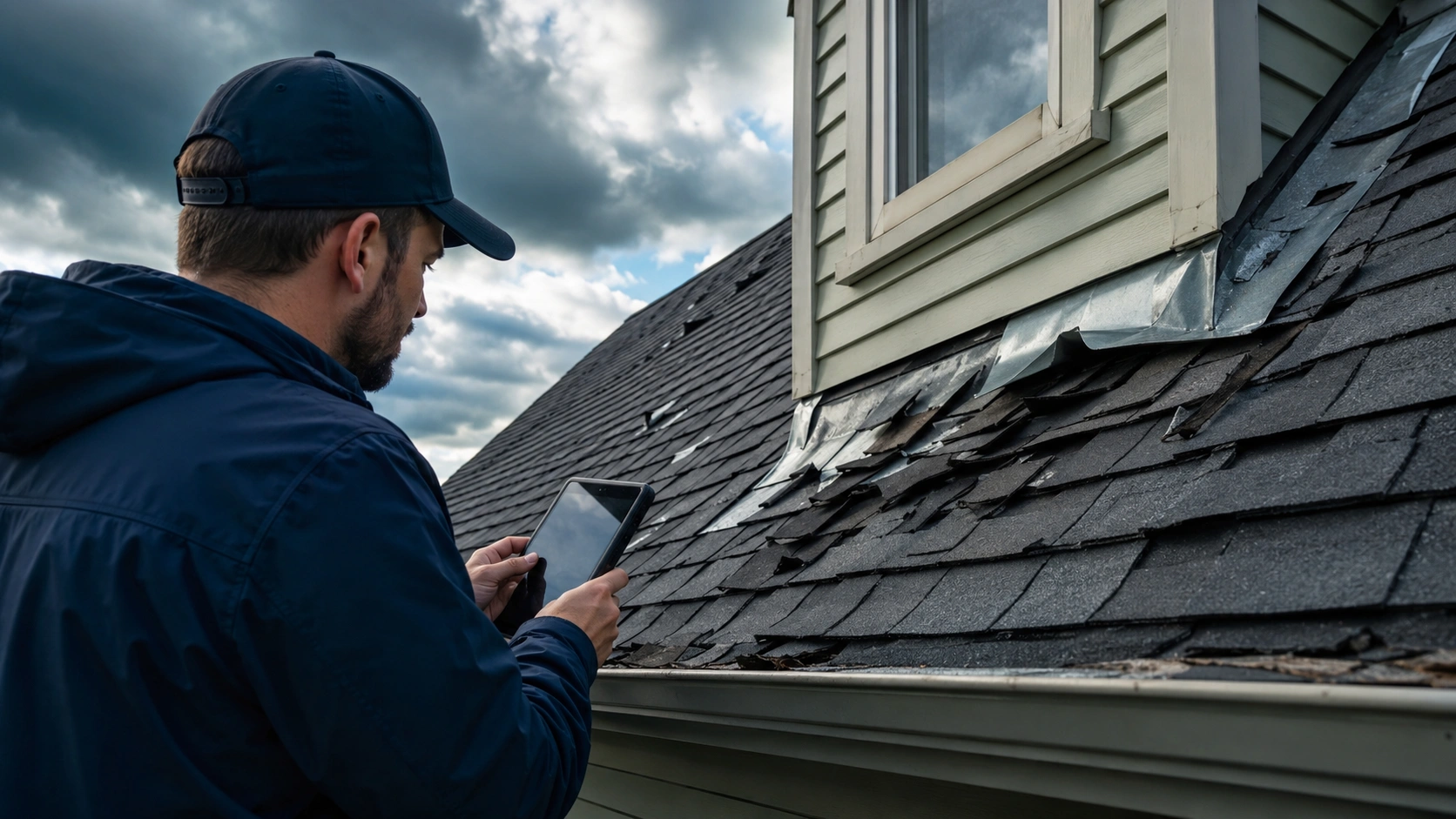
Document damage location, severity notes, photos, measurements, and exception paths.

Capture repair action, materials, after photos, technician notes, and close-out summary.

Standardize documentation for affected elevation, materials, before/after evidence, and signoff.

Capture installation steps, trim or sealant proof, issue notes, customer approval, and packet-ready records.

Give crews a consistent proof path for scope completion, exceptions, handoff, and supervisor review.
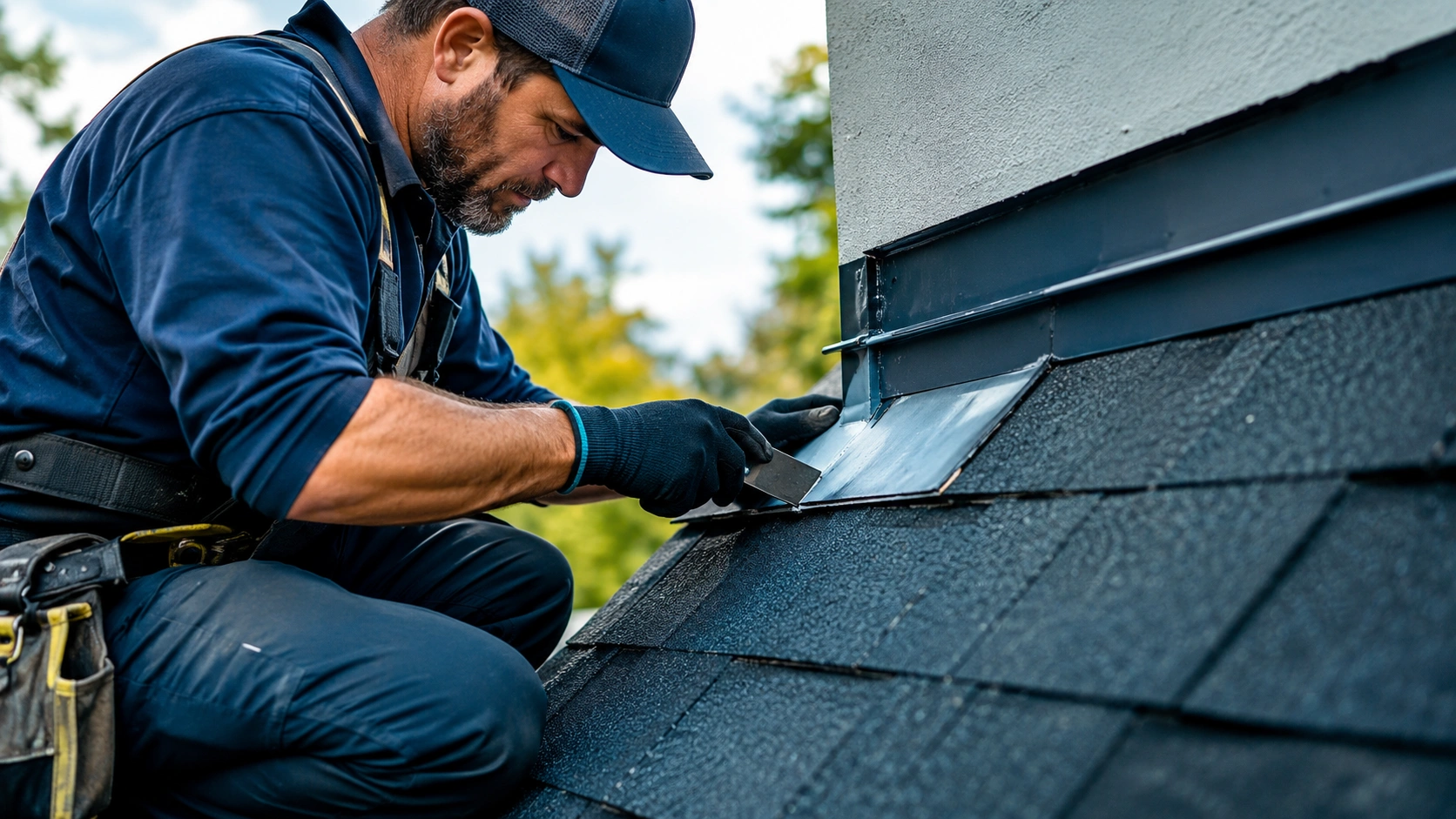
Document before condition, repair action, after proof, exception notes, and technician rationale.

Give the customer, supervisor, or warranty reviewer a structured record of completed exterior work.
CoSkip turns the repeatable parts of roofing and exterior work into a field-ready path that captures proof while the work is still happening.
Prompt the crew through inspection areas, repair scope, replacement steps, or close-out requirements.
Attach photos, measurements, material notes, timestamps, exceptions, and customer signoff to the correct step.
Give supervisors, customers, warranty teams, and insurance-adjacent review paths one structured close-out record.
CoSkip can organize site and job details, before photos, after photos, roof or exterior area evidence, material notes, exception notes, timestamps, technician notes, customer signoff, and supervisor review trail into one close-out packet.
CoSkip does not require teams to replace their field-service, CRM, or work-order system to start. A pilot can focus on one proof-heavy workflow and one review output first.
Use guided steps to reduce variation across crews, subcontractors, locations, and job types.
Give operations leaders a cleaner record for close-out, follow-up, warranty review, and customer communication.
Start with limited data scope, defined proof requirements, export-ready records, and integration planning only where needed.
Use these focused guides to scope one exterior workflow where photos, measurements, notes, exceptions, and review-ready packets matter.
Capture before/after photos, timestamps, notes, exceptions, signoff, and verified exterior steps.
Explore roofing proof of work →Document roof and exterior inspections with area evidence, condition notes, exceptions, and review context.
Review inspection documentation →Organize storm damage photos, measurements, scope notes, exceptions, and reviewer-ready field evidence.
Plan storm damage documentation →Start with one or two workflows over 6-10 weeks. Align on success metrics, configure guided steps, test with crews, capture proof, and review whether close-out quality improves.
Use field workflow readiness to confirm procedures, proof requirements, devices, reviewers, and pilot ownership before configuring the first roofing or exterior workflow.
Roof inspection, storm damage documentation, repair close-out, replacement proof, or warranty repair.
Define photos, measurements, materials, notes, exceptions, signoff, and review outputs.
Validate guidance, devices, workflow fit, and supervisor review on real jobs.
Assess completeness, close-out friction, exceptions, and next-step pilot readiness.
Share the workflow, team size, proof requirements, and current systems. CoSkip will review whether the workflow is a strong fit for a focused Roofing & Exteriors pilot.
No. This page focuses on roofing and exterior workflows, but CoSkip can support repeatable proof-heavy field work across inspections, maintenance, repair, warranty, facilities, utilities, plumbing, HVAC, and electrical.
Yes. CoSkip is designed to prompt required proof capture while the work happens, including photos, timestamps, notes, exceptions, measurements, materials, and signoff where configured.
Yes. A pilot can scope a guided proof path for direct crews, subcontractors, or mixed teams so supervisors get a more consistent close-out record.
CoSkip can help organize the evidence teams need for review, including before/after photos, material notes, technician rationale, customer signoff, and close-out summaries. It does not guarantee a claim or dispute outcome.
Yes. The recommended path is one repeatable workflow, 3-5 sample jobs or procedures, one operations owner, and a small group of field leads.
Photos, notes, measurements, timestamps, materials, exception notes, crew attestation, customer signoff, and supervisor review status can be organized into a proof packet.
No. CoSkip can start alongside existing systems and focus on guided work plus proof capture. Integration or export paths can be scoped after the first workflow is validated.
Yes. CoSkip can be configured around inspection, storm damage documentation, roof repair close-out, siding or window replacement documentation, warranty repair, crew verification, and customer-ready close-out workflows.