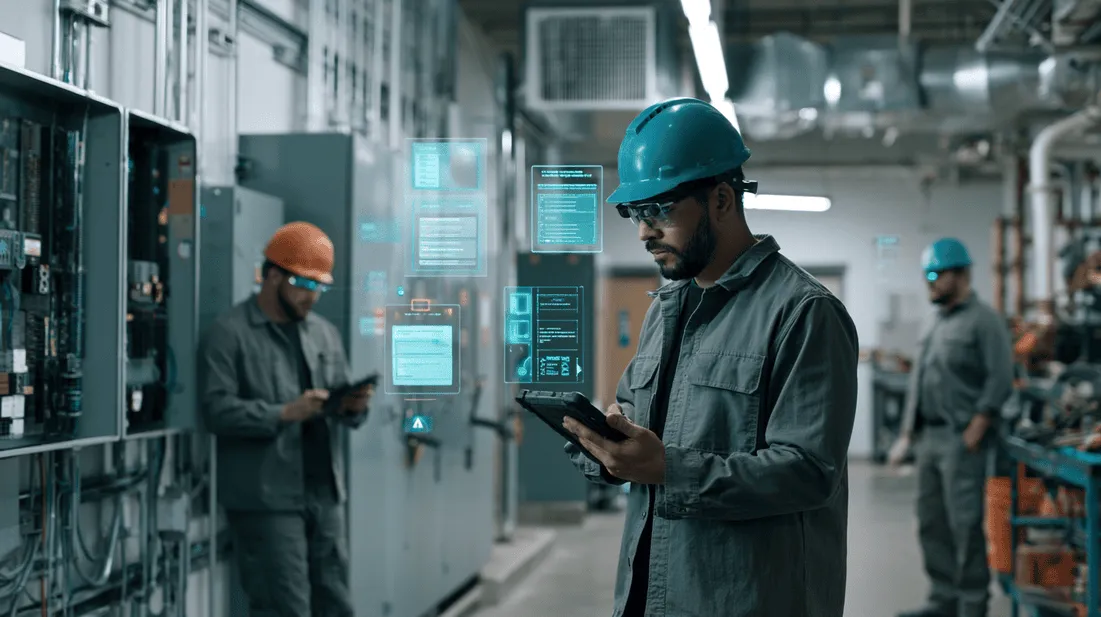
A practical guide to where voice and AR guidance for technicians creates real operational value, where it does not, and how service leaders can deploy guided workflows without disrupting field teams.
Voice and AR Guidance for Technicians: Where It Actually Helps
Voice and AR guidance for technicians can be extremely useful in the field, but only when it solves a real workflow problem.
For service executives, field supervisors, facilities teams, utilities, industrial operators, and contractor leaders, the question is not whether AR looks impressive in a demo. The better question is: where does hands-free guidance, visual support, or step-by-step field assistance reduce friction during actual work?
Technicians do not need more screens for the sake of more screens. They need help at the moment of work: identifying the right asset, confirming the next step, capturing required evidence, escalating when something looks wrong, and closing the job with documentation that managers, customers, compliance teams, and back-office staff can trust.
That is where AR guidance for technicians can help. Not as a replacement for skill. Not as a magic overlay for every task. But as a practical support layer for complex, variable, or documentation-heavy work.
This article breaks down where voice and AR-assisted guidance actually helps, where it can get in the way, and how to evaluate it before rolling it out across field operations.
What we mean by voice and AR guidance

In field operations, voice and AR guidance usually refers to a combination of technologies that help technicians complete work while staying focused on the equipment, site, or customer environment in front of them.
Common capabilities include:
- Voice prompts that read instructions or checklists aloud
- Hands-free data entry through speech
- AR overlays that identify components, connection points, valves, panels, or parts
- Visual step-by-step workflows on a phone, tablet, or wearable device
- Remote expert support with live video or annotated images
- Computer vision that helps detect asset conditions or verifies required proof
- Photo and video capture tied to specific job steps
- AI-generated summaries and proof packets for job closeout
The most useful deployments are usually not pure AR. They combine guided workflows, voice assistance, visual confirmation, evidence capture, and job documentation into one technician-friendly process.
CoSkip describes this as having an AI Co-Skipper in the field: support that helps the technician move through the work, capture better evidence, and produce a trusted record of what happened.
Where AR guidance for technicians actually helps
1. Complex tasks with many steps

AR and voice guidance are most useful when the job has a sequence that must be followed carefully.
Examples include:
- Preventive maintenance inspections
- Equipment commissioning
- Utility field checks
- Industrial maintenance procedures
- HVAC diagnostics on unfamiliar systems
- Electrical panel inspections
- Telecom installation and verification
- Facilities compliance walkthroughs
In these situations, the value is not just showing instructions. The value is reducing missed steps.
A technician may know the work, but field conditions create distractions: bad lighting, customer interruptions, missing labels, time pressure, weather, safety requirements, or incomplete service history. A guided workflow helps keep the job on track.
A strong guided workflow should answer:
- What asset am I working on?
- What is the next required step?
- What should normal look like?
- What proof do I need to capture?
- What should I do if the condition is outside tolerance?
- What information must be included before closeout?
When AR guidance is connected to these practical questions, it becomes operationally useful.
2. Jobs where the technician needs both hands free
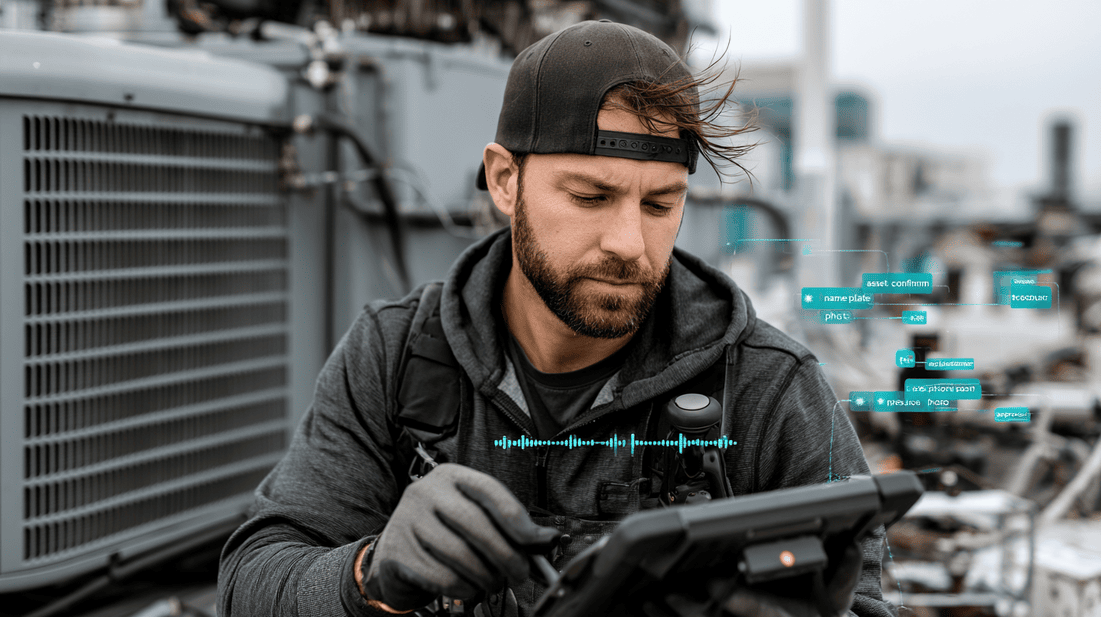
Voice guidance is especially valuable when a technician cannot easily stop, remove gloves, unlock a phone, and type notes.
This matters in environments such as:
- Mechanical rooms
- Rooftops
- Wet or dirty job sites
- Utility cabinets
- Confined spaces
- Industrial plants
- Sewer, drain, and plumbing work
- Electrical troubleshooting
Hands-free support can help technicians move through checklists, dictate observations, capture notes, and confirm completed steps without constantly switching between tools and screens.
The key is to avoid overloading the technician. Voice guidance should be short, specific, and interruptible. A field technician does not need a long explanation read aloud while standing next to a noisy unit. They need the next useful instruction.
Good voice prompts sound like:
- Confirm asset tag.
- Capture nameplate photo.
- Check upstream shutoff position.
- Record pressure reading.
- Capture before photo.
- If corrosion is visible, open exception workflow.
- Confirm customer approval before proceeding.
Bad voice prompts sound like training videos.
3. Work that depends on visual identification
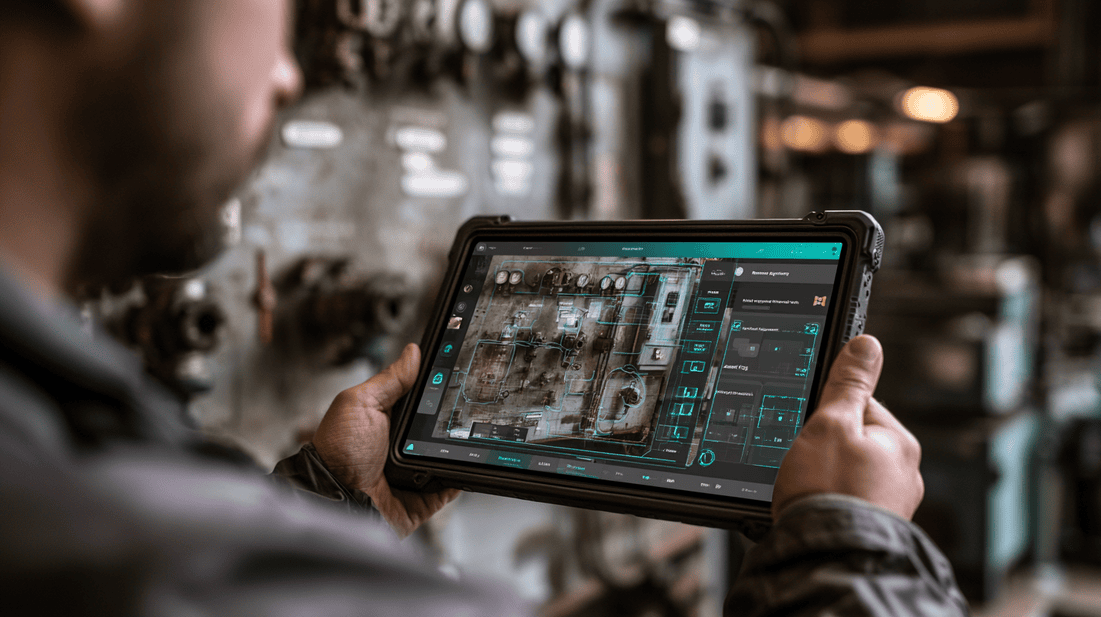
AR-assisted guidance can help when the technician must identify the correct part, port, valve, panel, breaker, or component.
This is common when:
- Equipment models vary by site
- Asset labels are missing or inconsistent
- New technicians are learning unfamiliar systems
- Similar-looking components create error risk
- Work needs to be performed in a specific sequence
- A remote expert needs to annotate what the technician sees
For example, a facilities technician inspecting a mechanical system may need to verify the correct valve position and capture a photo before and after adjustment. An AR overlay or annotated visual reference can reduce ambiguity.
Computer vision can also support this process by checking whether required photos are present, whether an asset tag is visible, or whether the captured image appears to match the expected equipment type.
This is not about replacing the technician's judgment. It is about reducing uncertainty and making the work record more reliable.
4. Training and ramping new technicians
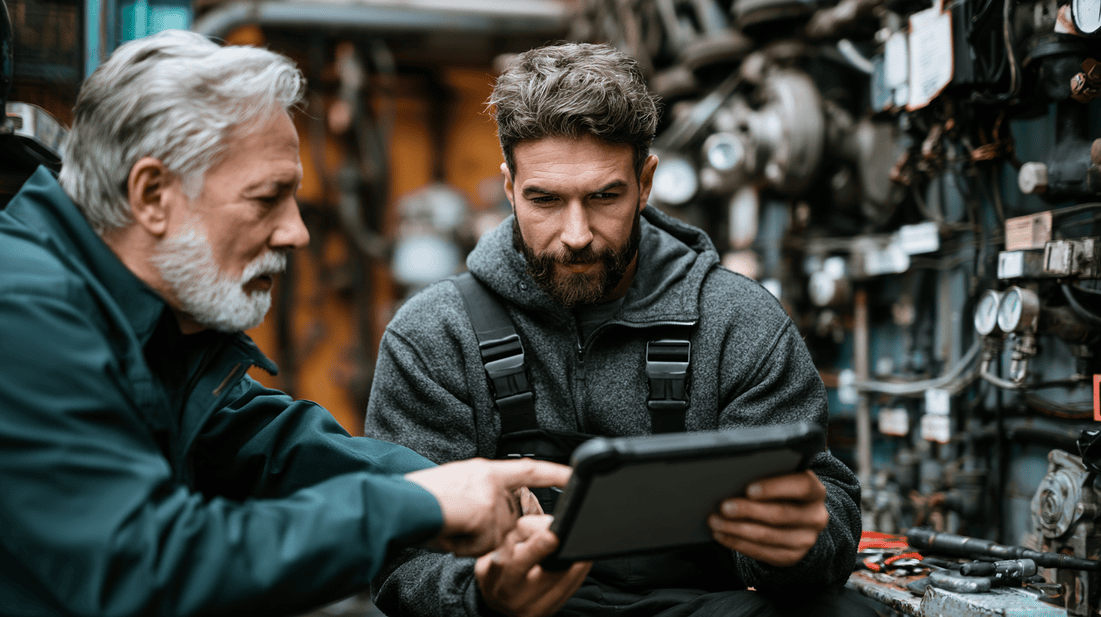
Many field organizations are dealing with a widening experience gap. Senior technicians know what to look for, what shortcuts to avoid, and which symptoms matter. Newer technicians may have the basic skills but less pattern recognition.
Voice and AR guidance can help convert tribal knowledge into repeatable field support.
Useful examples include:
- Showing a new technician what a normal installation should look like
- Providing visual examples of unacceptable conditions
- Guiding a technician through a diagnostic tree
- Prompting for required safety checks
- Capturing photos for supervisor review
- Escalating to remote support when conditions do not match the workflow
The most effective systems do not treat training as separate from work. They embed learning into the job.
For leaders, this creates a practical path to technician enablement. Instead of relying only on classroom sessions or shadowing, guided workflows help reinforce the right actions during real field conditions.
5. Jobs with high documentation requirements
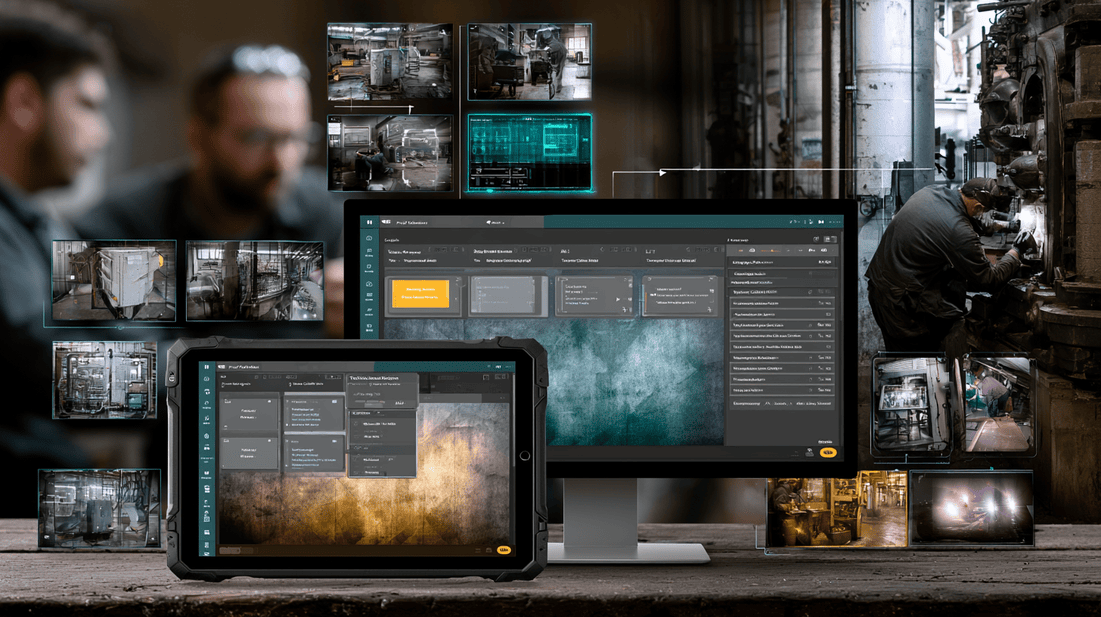
Some of the strongest ROI from AR and voice guidance comes from better documentation, not the visual overlay itself.
Many field organizations lose time and trust after the work is done because the job record is incomplete. Dispatch, billing, compliance, customer service, and managers may all need answers:
- Was the correct asset serviced?
- What condition was found?
- What work was performed?
- Were required readings captured?
- Were safety steps completed?
- Was customer approval obtained?
- Are before and after photos available?
- Why was a follow-up visit required?
When technicians are guided to capture evidence during the work, closeout becomes easier and more reliable.
This is where proof packets matter. A proof packet can include structured notes, photos, video clips, readings, timestamps, technician observations, exception details, and customer-facing summaries. Instead of a thin work order note, the organization gets a trusted record of the job.
If you want to see what that can look like, review a sample proof packet.
Where voice and AR guidance does not help
Not every job needs AR. In fact, forcing AR into simple work can frustrate technicians and slow adoption.
It does not help when the task is already simple and repetitive
If a skilled technician can complete a task safely and consistently in minutes, adding AR steps may create unnecessary friction.
Examples might include:
- Simple filter replacement
- Basic visual confirmation
- Routine meter reading with clear process
- Low-risk repetitive tasks with minimal documentation
For these jobs, lightweight mobile workflows or photo capture may be enough.
It does not help if the workflow is poorly designed
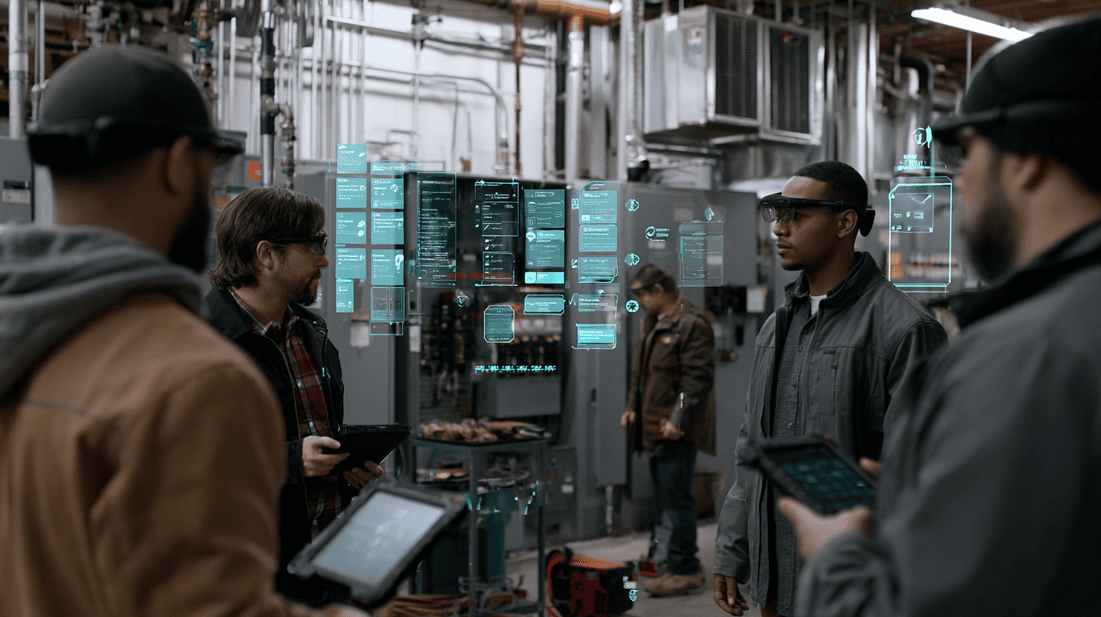
AR will not fix a bad process. If the underlying checklist is confusing, too long, out of date, or disconnected from field reality, AR may make the problem more visible.
Before deploying AR guidance, ask:
- Are the steps accurate?
- Do technicians agree the sequence matches real work?
- Are exception paths clear?
- Is required evidence defined?
- Are prompts short enough for field use?
- Does the workflow reduce admin work or add to it?
A bad paper checklist becomes a bad digital checklist. A bad digital checklist becomes a bad AR workflow.
It does not help if technicians do not trust it
Technicians will quickly reject guidance that is wrong, generic, or impractical.
Common trust-breakers include:
- Instructions that do not match the equipment on site
- Prompts that ignore safety realities
- Too many required taps or confirmations
- Repetitive voice interruptions
- Weak offline performance
- Capturing evidence that no one uses
- AI summaries that require heavy correction
If the system creates extra work without clear value, adoption will suffer.
A practical framework: When to use voice, AR, visual AI, or standard mobile workflows
Field leaders should match the support method to the job type.
Use standard mobile workflows when:
- The work is straightforward
- The technician can easily use a phone or tablet
- The main need is structured closeout
- Photos, notes, and readings are enough
Use voice guidance when:
- The technician needs hands-free support
- Gloves, tools, weather, or safety conditions make typing difficult
- Short prompts can reduce missed steps
- Dictation can improve note quality
Use AR-assisted guidance when:
- The technician needs to identify components visually
- Work must happen in a specific physical sequence
- Visual references reduce mistakes
- Remote experts need to annotate what the technician sees
- Newer technicians need contextual support
Use computer vision when:
- Photo quality matters
- Asset identification needs verification
- Required evidence is often missing
- Conditions can be checked visually
- Proof capture must be standardized
Use proof packets when:
- Customers ask for proof of work
- Billing needs stronger documentation
- Compliance requires audit-ready records
- Managers need to review exceptions
- Repeat visits are caused by unclear closeout notes
The best solution often combines several of these. For example, a technician may use voice prompts during inspection, AR support for component identification, computer vision to validate photos, and a proof packet for closeout.
Mid-post CTA
Want to see how guided workflows, evidence capture, and field AI can work together in a technician flow? Try the Interactive Demo.
Technician workflow example: AR-assisted maintenance inspection
Consider a facilities maintenance inspection for a critical HVAC unit.
A practical guided workflow might look like this:
- Technician arrives on site and confirms the asset using a QR code, asset tag photo, or location match.
- The workflow displays the correct unit history, last service notes, and required inspection steps.
- Voice guidance prompts the technician to capture a nameplate photo and before-condition image.
- AR-assisted visual reference shows the expected access panel and inspection points.
- Technician records readings by voice or quick entry.
- Computer vision checks whether required photos are clear and tied to the right asset.
- If an abnormal condition is found, the technician opens an exception path.
- The system prompts for additional evidence, such as close-up photos, measurement readings, or a short video.
- A supervisor or remote expert can review the evidence if needed.
- At closeout, the system produces a structured job summary and proof packet.
This is useful because it supports the full operational loop: correct asset, correct steps, correct evidence, clear closeout.
Operational warning signs that guidance may be needed
Voice and AR guidance should be considered when you see patterns like these:
- Repeat visits caused by missed steps or unclear diagnosis
- Inconsistent documentation across technicians
- New technicians needing frequent phone support
- Senior technicians spending too much time answering basic field questions
- Customer disputes caused by limited proof of work
- Compliance gaps due to missing photos or readings
- Jobs delayed because technicians cannot identify the correct asset or component
- Dispatch teams struggling to understand what happened on site
- Back-office teams chasing technicians for missing closeout details
These are not technology problems first. They are workflow and trust problems. Voice, AR, AI, and proof capture are useful when they directly address those problems.
What executives should evaluate before investing
For service leaders and innovation teams, the evaluation should be grounded in field operations, not demo appeal.
Ask these questions before choosing a solution:
1. Which workflows create the most operational friction?
Start with a narrow set of high-friction jobs. Good candidates usually have one or more of these traits:
- High repeat-visit rate
- High documentation burden
- High training burden
- High safety or compliance sensitivity
- High customer visibility
- High variability between sites
Avoid starting with every workflow at once.
2. What evidence is required for a trusted closeout?
Define the proof standard before building the workflow.
For each job type, identify:
- Required photos
- Required readings
- Required customer approvals
- Required safety confirmations
- Required notes
- Required exception documentation
- Required manager review triggers
This keeps guidance focused on outcomes, not just instructions.
3. How will technicians provide feedback?
Technician feedback should not be an afterthought. Field teams will know quickly which prompts help and which ones slow them down.
Build a feedback loop around:
- Confusing steps
- Unnecessary prompts
- Missing exception paths
- Offline issues
- Photo capture friction
- Voice command accuracy
- Job closeout quality
The best guided workflows improve over time.
4. How will success be measured?
Avoid vague goals like modernizing the field. Use operational measures such as:
- Fewer incomplete closeouts
- Fewer missing required photos
- Faster supervisor review
- Better first-time documentation
- Reduced back-office follow-up
- Fewer avoidable repeat visits
- Faster ramp time for new technicians
- Improved customer-facing proof of work
Do not invent results before the pilot. Measure a baseline first.
Implementation approach: Start with a field pilot
A practical rollout should start small and specific.
A strong pilot might include:
- One region, crew, or job type
- A clear workflow with known pain points
- Technician input before launch
- Defined evidence requirements
- Supervisor review process
- Integration plan for job records
- Weekly feedback review
- Baseline and post-pilot comparison
Good pilot candidates often include preventive maintenance, inspections, installations, compliance checks, or complex troubleshooting workflows.
If you are planning this kind of rollout, consider a structured pilot program rather than a broad technology launch.
How CoSkip fits into the field workflow
CoSkip is designed around practical field execution: helping teams guide work, capture evidence, and create trusted documentation.
For technicians, that means support during the job:
- Clear next steps
- Voice-friendly prompts
- Visual and AR-assisted guidance where useful
- Evidence capture tied to workflow steps
- AI support for notes and summaries
- Easier closeout with less rework
For managers and back-office teams, it means better visibility after the job:
- More complete documentation
- Structured proof packets
- Clear exception records
- Better review of field conditions
- Less chasing for missing information
For executives, it creates a way to make field work more measurable without turning technicians into data-entry clerks.
FAQ
Is AR guidance for technicians only useful with smart glasses?
No. AR-assisted guidance can work through phones, tablets, rugged devices, or wearables. Smart glasses can help in hands-free environments, but many teams start with mobile devices because they are already part of the technician workflow.
Will voice and AR guidance slow technicians down?
It can if the workflow is poorly designed. The goal is to reduce friction, not add steps. Guidance should be used where it prevents missed work, improves evidence capture, supports safety, or simplifies closeout.
Can experienced technicians benefit from guided workflows?
Yes, especially on complex, compliance-heavy, or unfamiliar jobs. Experienced technicians may not need basic instruction, but they often benefit from faster documentation, easier proof capture, and clearer exception handling.
How does computer vision fit with AR guidance?
Computer vision can help validate captured evidence, identify assets, flag missing proof, or support visual checks. AR guidance helps the technician understand what to do in the physical environment. Together, they can improve both task execution and job documentation.
What is the best first use case?
Start with a workflow where missed steps, incomplete documentation, or technician support calls are already creating measurable friction. Preventive maintenance, inspections, installations, and compliance checks are often strong starting points.
The bottom line
Voice and AR guidance for technicians works best when it is tied to real field problems: complex steps, hands-free work, visual identification, technician ramping, evidence capture, and trusted closeout.
It should not be treated as a novelty layer. It should be implemented as part of a practical field workflow that helps technicians do the job, helps managers understand what happened, and helps the business reduce avoidable friction.
The right question is not whether AR is impressive. The right question is where guidance makes the technician's work clearer, safer, better documented, and easier to trust.
End-of-post CTA
Not sure if your field operation is ready for voice, AR-assisted guidance, or AI-supported proof capture? Take the Field AI Readiness Score.
