
Learn a practical field AI readiness framework for evaluating workflows, technician adoption, evidence capture, job documentation, and pilot opportunities before deploying guided AI in the field.
How to Know Whether Your Field Workflows Are Ready for AI

AI is moving into field operations quickly, but readiness is not about whether your organization is interested in AI. It is about whether your workflows are clear enough, measurable enough, and technician-friendly enough for AI to help instead of creating more noise.
For service leaders, facilities managers, contractors, utilities, and industrial operators, the real question is practical: where can AI reduce friction in daily work without slowing technicians down?
That is what field AI readiness is meant to answer.
A workflow is ready for AI when the job steps, evidence needs, decision points, documentation requirements, and escalation paths are clear enough to be supported by guided assistance. That may include AR-assisted instructions, computer vision checks, mobile evidence capture, automated closeout documentation, or proof packets that help customers, managers, dispatchers, and back-office teams trust what happened in the field.
A workflow is not ready simply because it has high cost, high volume, or frustrated teams. Those may be reasons to investigate AI, but they are not enough. The best starting points are workflows where better guidance, better capture, and better job records can make work more consistent.
This article gives operations leaders and field supervisors a practical way to evaluate readiness before launching an AI pilot.
What field AI readiness really means

Field AI readiness is the operational ability to apply AI support to a real field workflow in a way that improves execution, documentation, or decision-making.
It is not a generic technology maturity score. It is specific to the work.
For example, replacing a rooftop HVAC component, clearing a sewer blockage, inspecting a substation asset, performing a preventive maintenance round, documenting a facilities repair, or closing out a warranty job may each have different readiness levels.
A workflow may be ready for AI if:
- Technicians already follow repeatable steps, even if those steps are informal
- The job requires photos, readings, notes, or other evidence
- Missed steps create repeat visits, disputes, compliance issues, or billing delays
- Supervisors frequently review incomplete documentation
- Newer technicians need help performing consistent work
- Dispatch and back-office teams need clearer job status and closeout details
- Customers ask for proof of work or proof of condition
A workflow may not be ready yet if:
- Nobody agrees on the correct process
- Every job is treated as an exception
- Field teams do not have reliable mobile access
- Evidence requirements are unclear or constantly changing
- Technicians see documentation as purely administrative burden
- Managers cannot define what a good closeout looks like
AI can support field teams, but it cannot compensate for a completely undefined operation. The goal is not to perfect every process before using AI. The goal is to choose workflows where AI has enough structure to be useful.
The five-part field AI readiness framework
Use this framework to evaluate whether a field workflow is a good candidate for guided AI support.
1. Workflow clarity
Start with the workflow itself. Can your team describe the job from arrival to closeout?
You do not need a perfect standard operating procedure. Many field workflows live partly in technician experience, supervisor coaching, and local practice. But you do need enough clarity to identify the critical steps.
Ask:
- What triggers the job?
- What does the technician need to confirm on arrival?
- What steps are required before work begins?
- What safety, compliance, or customer requirements apply?
- What conditions change the path of the job?
- What evidence must be captured?
- What defines a complete closeout?
If the answer is different for every supervisor, the workflow may need process cleanup before AI is introduced.
If the team can identify the main path and common exceptions, the workflow may be ready for AI-guided checklists, technician prompts, AR-assisted guidance, or decision support.
Operational example: A facilities maintenance team may have a clear process for responding to water intrusion reports. The technician needs to document the source, affected area, shutoff status, temporary mitigation, photos before and after repair, materials used, and follow-up needs. This is a strong candidate for guided capture because the job varies, but the documentation pattern is repeatable.
2. Evidence requirements
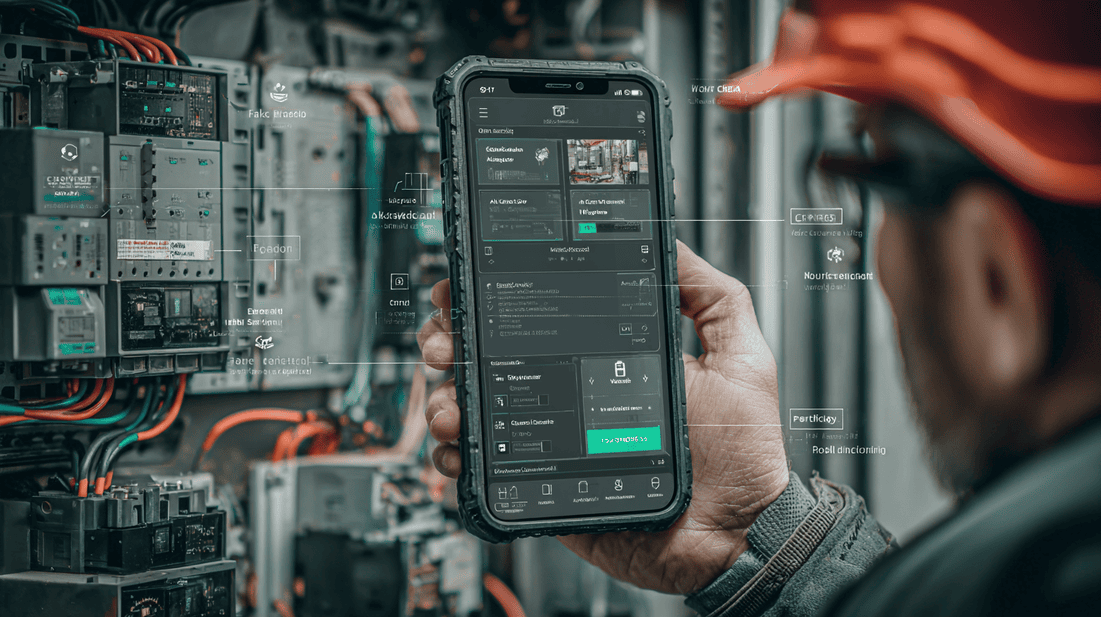
Field AI becomes more valuable when the workflow depends on trusted evidence.
Evidence may include:
- Before and after photos
- Equipment nameplates
- Meter readings
- Pressure readings
- Temperature readings
- Parts used
- Condition photos
- Safety checks
- Customer signoff
- Asset location
- Failure codes
- Technician notes
Many field organizations already require this evidence, but capture quality is inconsistent. Photos may be missing context. Notes may be too short. Readings may be typed into the wrong field. Closeout packets may require back-office cleanup.
AI and computer vision can help by prompting technicians to capture the right evidence at the right time. For example, if a technician is closing out an electrical panel repair, a guided workflow can prompt for a panel label photo, completed repair photo, test result, safety cover confirmation, and final work note.
The readiness question is simple: do you know what evidence a good job record should contain?
If yes, AI can help standardize capture and reduce rework. If no, define the proof requirements before automating the workflow.
3. Technician fit
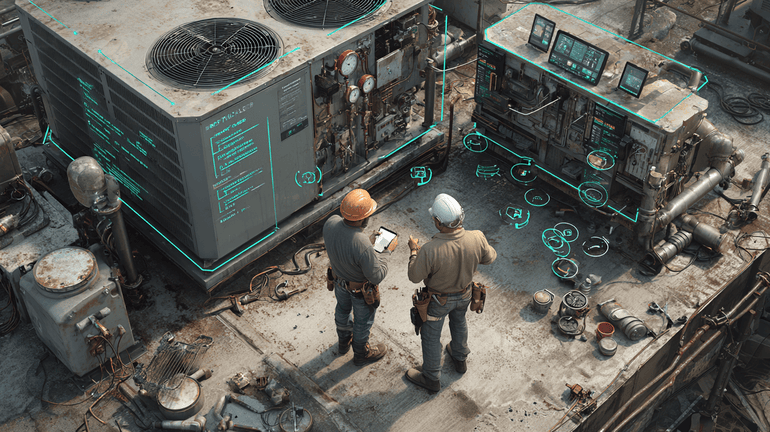
A workflow is only ready for AI if it can work in the technician's day.
Field teams already deal with weather, traffic, customer access issues, safety hazards, poor connectivity, tight schedules, equipment constraints, and unexpected site conditions. If AI adds extra steps without making the job easier, adoption will suffer.
Evaluate technician fit by asking:
- Does the workflow happen on a mobile device already?
- Can prompts appear at natural points in the job?
- Will evidence capture replace manual typing or duplicate reporting?
- Can the technician override or explain exceptions?
- Does the workflow support hands-on work instead of interrupting it?
- Will supervisors use the captured information in a visible way?
Technician adoption improves when AI support feels like help, not surveillance.
For example, AR-assisted guidance can be useful for a less experienced technician performing a complex inspection, but it should not force a senior technician through unnecessary screens. A good guided workflow can adapt to skill level, job type, asset type, and risk.
The field test is straightforward: would a good technician use this because it helps them finish the job right, faster, or with fewer callbacks?
4. Operational impact
Not every workflow deserves to be the first AI pilot. Start where better guidance and documentation can create visible operational value.
Strong pilot candidates often have one or more of these issues:
- Repeat visits caused by incomplete diagnostics or missing evidence
- Delayed invoicing because closeout documentation is incomplete
- Supervisor time spent chasing photos, notes, or readings
- Customer disputes about what work was completed
- Inconsistent execution across regions, crews, or subcontractors
- New technician ramp-up challenges
- Compliance documentation gaps
- High-volume work with repeatable patterns
- Complex work where step-by-step support reduces errors
Be careful with workflows that are emotionally important but too broad. For example, improve all maintenance documentation is probably too vague for a first pilot. A better starting point would be standardize closeout proof for emergency pump repairs or guide technicians through rooftop unit diagnostic evidence capture.
AI works best when the target workflow is specific enough to measure.
5. Data and integration readiness
You do not need a perfect data environment to begin, but you do need to know where job information lives and where outputs need to go.
Map the basics:
- What system creates the work order?
- What information does the technician receive before arrival?
- What mobile tools are used in the field?
- Where are photos stored today?
- Who reviews job documentation?
- What needs to flow back into the FSM, CMMS, EAM, CRM, billing, or customer portal?
- What data is required for reporting or compliance?
For many teams, the most practical first step is not a deep enterprise integration. It is a focused AI pilot that captures better field evidence and produces a reliable proof packet for a specific workflow.
Over time, those proof packets can support better reporting, billing, quality review, customer communication, and training.
Warning signs your workflow is not ready yet
AI readiness is not just about finding green lights. It is also about spotting conditions that will create frustration.
Watch for these warning signs before launching a pilot.
The process is undocumented and disputed
If supervisors, dispatchers, and technicians disagree on what should happen during the job, AI will expose that disagreement. That can be useful, but it should be handled before deployment.
A short workshop with field leaders can often define the critical path, common exceptions, and proof requirements.
Documentation is treated as punishment
If technicians believe every new documentation requirement exists only to catch mistakes, adoption will be difficult.
Position AI-guided capture around practical benefits:
- Fewer calls from the office asking for missing information
- Better protection when a customer disputes the job
- Faster approval for completed work
- Cleaner handoffs to follow-up crews
- Less manual note writing at the end of the day
The message matters. AI should help technicians prove the quality of their work.
The pilot scope is too large
Trying to deploy AI across every job type at once usually creates confusion. Start with one workflow, one crew, one region, or one job category.
Good first pilots are specific, repetitive enough to learn from, and important enough that improvements matter.
The success measures are vague
Do not start with a goal like use AI in the field. Define what better looks like.
Better measures include:
- Fewer incomplete closeouts
- Faster documentation review
- Better first-time evidence capture
- Less supervisor follow-up
- Fewer avoidable return visits
- More consistent proof packets
- Faster technician ramp-up for a specific job type
You do not need to promise a dramatic result. You need a clear operational baseline and a way to compare before and after.
Practical examples of AI-ready workflows
Here are examples of workflows that often have strong field AI readiness.
Service job closeout documentation
Many field teams complete the technical work but struggle with closeout quality. The job is done, but the record is incomplete.
AI can prompt for required photos, summarize technician notes, organize evidence, and generate a proof packet for managers, customers, and back-office teams.
This is often a strong starting point because it supports both technician workflow and business outcomes.
Preventive maintenance inspections
PM work usually has defined assets, expected checks, readings, and recurring documentation needs.
AI-guided workflows can help technicians confirm asset identity, capture readings, flag anomalies, document conditions, and standardize inspection records.
Computer vision can assist with photo quality, asset label capture, visible condition checks, and evidence completeness.
Complex diagnostics
Some jobs require technicians to move through decision trees: check power, inspect component condition, test pressure, confirm flow, verify controls, document fault codes, and determine next action.
AI support can guide newer technicians without replacing expert judgment. Senior technicians can still move quickly, while less experienced team members get structured help.
Warranty and compliance work
Warranty claims, regulated inspections, and compliance-related repairs often require specific proof.
AI can help ensure the right photos, readings, timestamps, asset identifiers, and notes are captured before the technician leaves the site.
This reduces the risk of chasing evidence later when the site condition has changed.
Subcontractor or distributed crew work
When work is performed by multiple crews, regions, or subcontractors, consistency is harder to maintain.
Guided evidence capture and standardized proof packets help service leaders verify what happened without relying only on free-form notes.
Mid-post CTA: Take the Field AI Readiness Score
Before choosing a pilot workflow, assess where your operation stands today.
Take the Field AI Readiness Score to evaluate workflow clarity, evidence capture, technician adoption risk, documentation quality, and pilot readiness.
How to run a low-risk field AI readiness assessment
You do not need a long consulting project to assess readiness. A focused review can usually identify strong pilot candidates.
Step 1: Pick three candidate workflows
Choose workflows that are important, repeatable, and known to create friction.
Examples:
- Emergency repair closeouts
- PM inspections for a specific asset class
- Warranty documentation
- New technician diagnostic support
- Customer-facing proof of work
- Compliance evidence capture
Step 2: Map the current job path
Document what happens today from dispatch to closeout.
Include:
- Work order intake
- Technician arrival
- Diagnosis or inspection
- Work performed
- Evidence captured
- Closeout notes
- Supervisor review
- Billing, compliance, or customer handoff
Keep it practical. A whiteboard, spreadsheet, or simple workflow map is enough.
Step 3: Identify friction points
Ask field and office teams where work breaks down.
Common issues include:
- Missing before photos
- Unclear diagnosis notes
- Incomplete readings
- Wrong asset information
- Delayed closeouts
- Repeat calls to the technician
- Customer disputes
- Unclear follow-up requirements
- Supervisor rework
The best AI opportunities often sit where field evidence and back-office needs do not line up.
Step 4: Define the ideal proof packet
A proof packet is the trusted job record that shows what happened, what was found, what was done, and what remains.
For each workflow, define the ideal packet:
- Required photos
- Required readings
- Required technician notes
- Asset or location details
- Parts and materials
- Safety or compliance confirmations
- Customer-facing summary
- Internal supervisor notes
- Follow-up recommendations
Once the proof packet is clear, AI can help technicians capture it consistently.
Step 5: Select one pilot workflow
Score each candidate workflow against five criteria:
- Clear enough process
- Defined evidence requirements
- Strong technician fit
- Meaningful operational impact
- Manageable integration needs
Choose the workflow with the best balance, not necessarily the biggest problem.
A focused pilot that field teams trust is better than an ambitious rollout that creates resistance.
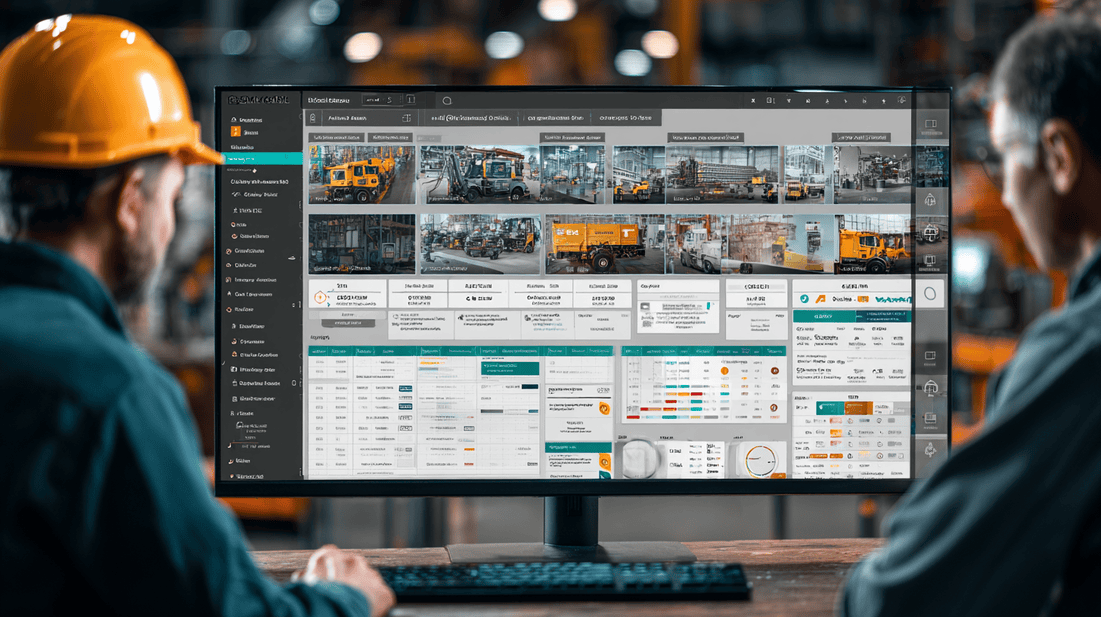
What a good field AI pilot should include
A strong AI pilot is not just a software test. It is an operational learning cycle.
Include these elements:
A specific workflow
Define the job type, crew, location, and use case. Avoid broad pilots that try to support every field scenario at once.
If you need a structured way to begin, consider a focused pilot program built around one measurable workflow.
Technician involvement
Involve technicians early. Ask what slows them down, what evidence is realistic to capture, where prompts should appear, and what would make the tool useful.
Field supervisors should validate the workflow before it goes live.
Clear proof requirements
Define what must be captured before the job can be closed. This may include photos, readings, notes, asset details, or customer confirmation.
Simple success measures
Measure whether the pilot improves the workflow. For example:
- Are closeouts more complete?
- Are supervisors spending less time chasing information?
- Are proof packets more consistent?
- Are technicians able to follow the workflow without extra burden?
- Are repeat visits tied to missing documentation or missed steps reduced?
Feedback loops
Review pilot jobs with technicians and supervisors. Look for prompts that are helpful, prompts that are ignored, and steps that need adjustment.
AI readiness improves as the workflow becomes clearer.
How CoSkip fits into field AI readiness
CoSkip is built as Your AI Co-Skipper in the Field. The goal is not to replace technician judgment. The goal is to support field teams with practical guidance, better evidence capture, and trusted job documentation.
For AI-ready workflows, CoSkip can help teams:
- Guide technicians through complex or high-risk job steps
- Use AR-assisted guidance where visual support helps the work
- Capture better photos, readings, notes, and site evidence
- Apply computer vision to support documentation quality and completeness
- Create proof packets that managers, customers, and back-office teams can trust
- Reduce operational friction around job closeout and review
- Support new technician ramp-up without slowing experienced technicians down
If you want to see how this can work in a real workflow, you can explore an interactive demo or start by taking the Field AI Readiness Score.
A practical readiness checklist
Use this checklist with your operations team before launching AI into a field workflow.
Workflow readiness
- The job type is specific
- The main steps are known
- Common exceptions are understood
- Supervisors agree on what good work looks like
- The closeout requirements are clear
Evidence readiness
- Required photos are defined
- Required readings are defined
- Required notes are defined
- Asset or location identifiers are available
- Proof requirements are tied to real business needs
Technician readiness
- Technicians can use mobile tools during the job
- Prompts fit the natural flow of work
- The workflow reduces rework or manual effort
- Exceptions can be explained
- Field feedback is included in pilot design
Business readiness
- The workflow has visible operational friction
- The pilot has a clear owner
- Success measures are defined
- Supervisors will review and use the output
- Leaders are prepared to adjust the workflow based on pilot feedback
Integration readiness
- Source systems are identified
- Closeout destinations are identified
- Required exports or handoffs are understood
- The pilot can run without waiting for every enterprise integration
- Security and access requirements are known
If most boxes are checked, the workflow is likely a strong candidate. If many are missing, start by tightening the process and proof requirements.
FAQ
What is field AI readiness?
Field AI readiness is the degree to which a specific field workflow can be supported by AI in a practical, measurable way. It includes workflow clarity, evidence requirements, technician fit, operational impact, and data or integration readiness.
Do we need perfect processes before using AI in field operations?
No. You do not need perfect processes. You do need enough structure for AI to guide work, capture evidence, or improve documentation. A focused pilot can also help clarify the process over time.
What workflows are best for a first AI pilot?
Good first pilots are specific, repeatable, and tied to clear friction. Examples include job closeout documentation, preventive maintenance inspections, warranty proof capture, compliance evidence, and guided diagnostics for newer technicians.
How do we avoid technician resistance?
Design the workflow around technician reality. Keep prompts practical, reduce duplicate entry, allow exceptions, involve field teams early, and make sure captured information is actually used by supervisors and back-office teams.
Can AI help if our main problem is poor documentation?
Yes, if the organization can define what good documentation should include. AI-guided capture, computer vision support, and proof packet generation can help technicians collect the right evidence before they leave the site.
End-of-post CTA: Calculate Field AI ROI
Once you have identified a strong pilot workflow, the next step is understanding the business case.
Calculate Field AI ROI to estimate the potential impact of better evidence capture, guided workflows, reduced closeout friction, and fewer avoidable repeat visits.
