
AI features do not create operational value unless technicians use them in the flow of work. Learn why technician adoption is the deciding factor in field AI success, and how service leaders can design workflows that teams actually trust.
Why Technician Adoption Matters More Than AI Features

AI can summarize notes, identify equipment from photos, guide a technician through a procedure, flag missing documentation, and assemble a proof packet before the truck leaves the site. Those capabilities matter. But they do not create operational value on their own.
In field service, facilities, utilities, industrial maintenance, contracting, and infrastructure work, the deciding factor is not whether the AI feature looks impressive in a demo. The deciding factor is whether technicians use it during real work, under real time pressure, in real job-site conditions.
That is why technician adoption matters more than AI features.
A feature that works in a conference room but adds friction in the field will be skipped. A mobile workflow that requires too many taps will be bypassed. A documentation requirement that feels like surveillance instead of support will be resisted. An AI assistant that produces advice technicians do not trust will quickly become background noise.
The organizations that get value from field AI will not be the ones with the longest feature list. They will be the ones that design AI around technician workflows, dispatch realities, job closeout requirements, customer proof expectations, and supervisor review needs.
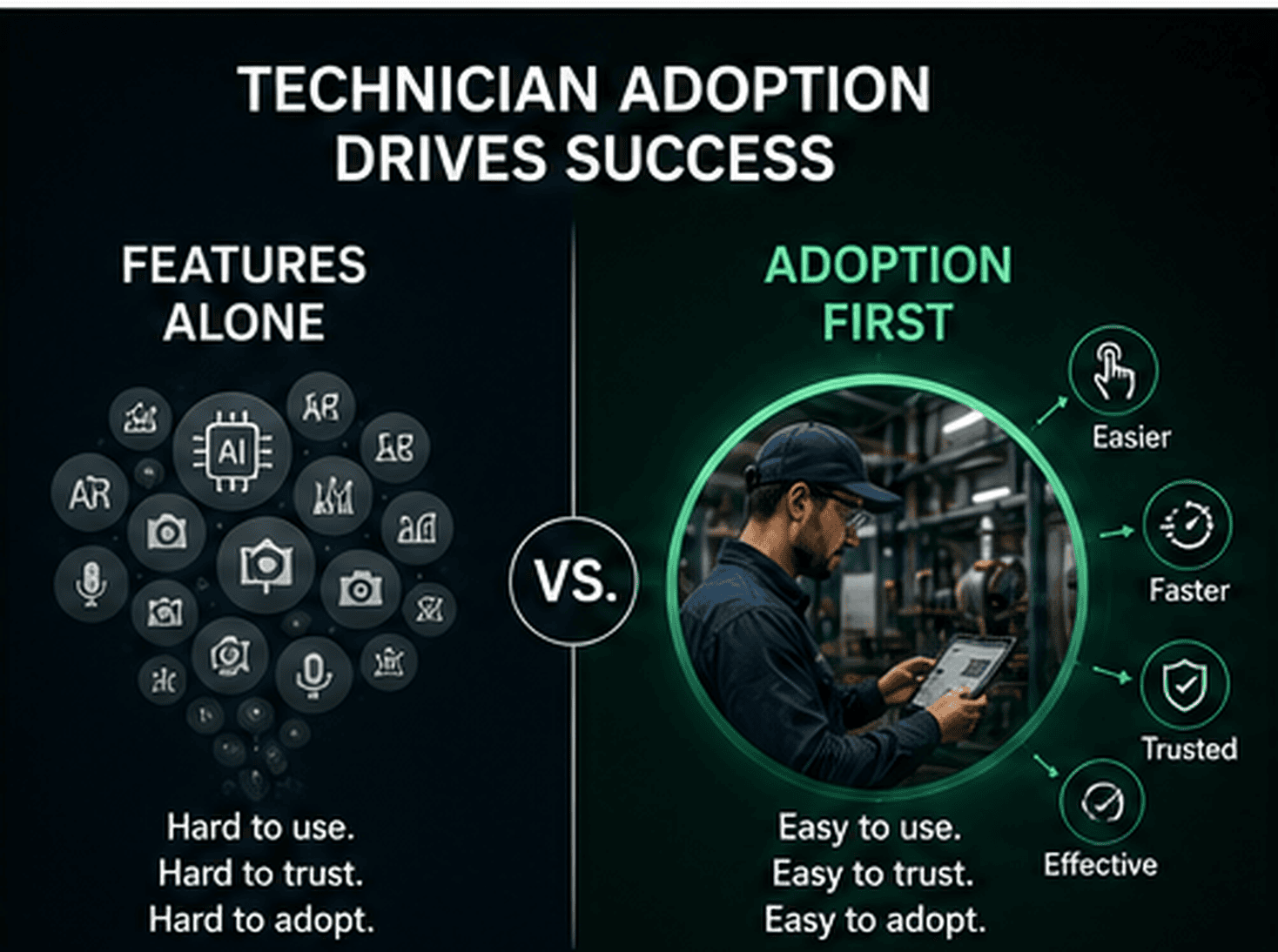
The field adoption problem is not a technician problem
When a technology rollout fails, it is easy to blame the field team. Leaders may hear comments like:
- Technicians are not using the tool.
- Crews are still texting photos instead of uploading them.
- Job notes are incomplete.
- The new checklist is being rushed or ignored.
- Supervisors do not trust the documentation.
- Dispatch still has to call for updates.
But poor adoption is usually a workflow design problem, not a technician attitude problem.
Technicians operate in environments where time, safety, access, weather, customer pressure, connectivity, and task complexity all affect behavior. They are often balancing technical diagnosis, customer communication, parts constraints, job sequencing, compliance requirements, and documentation expectations at the same time.
If an AI tool does not help them complete the job faster, safer, cleaner, or with less rework, they will view it as another administrative burden.
That is not resistance to innovation. It is a rational response to friction.
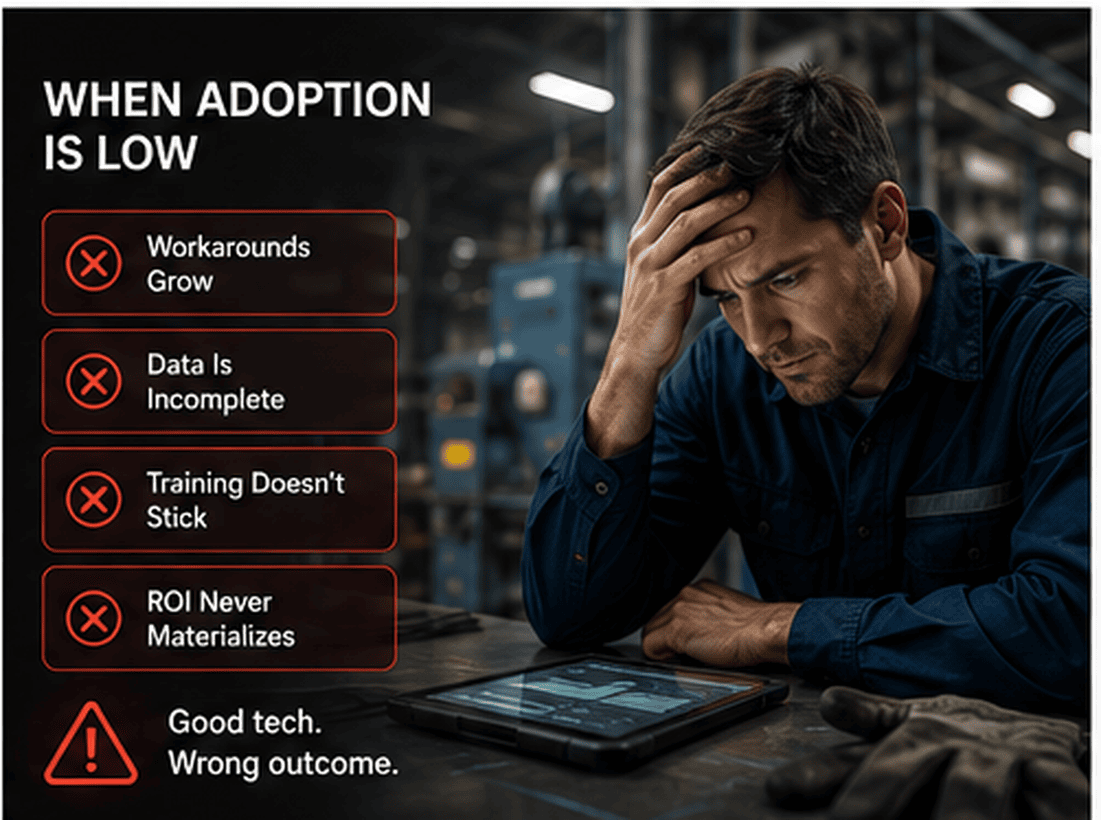
AI features only matter when they fit the work
Field AI is most useful when it supports the work that already needs to happen. For example:
- A technician needs to diagnose an unfamiliar fault.
- A crew needs to follow a regulated inspection process.
- A service leader needs proof that the right work was completed.
- A dispatcher needs reliable job status without repeated phone calls.
- A customer needs clear evidence before approving an invoice.
- A supervisor needs to review exceptions without reading every note manually.
AI, AR-assisted guidance, computer vision, and evidence capture can improve those moments. But only if they are embedded in the technician workflow.
A good field AI system should help the technician answer practical questions:
- What do I need to do next?
- What evidence do I need to capture?
- Did I miss a required photo, reading, or note?
- Is this asset, part, label, panel, or condition being documented correctly?
- Can I close this job without getting a follow-up call later?
- Will my manager, customer, or compliance team understand what happened?
When AI helps answer those questions, adoption becomes much more likely.
The adoption-first lens for field AI
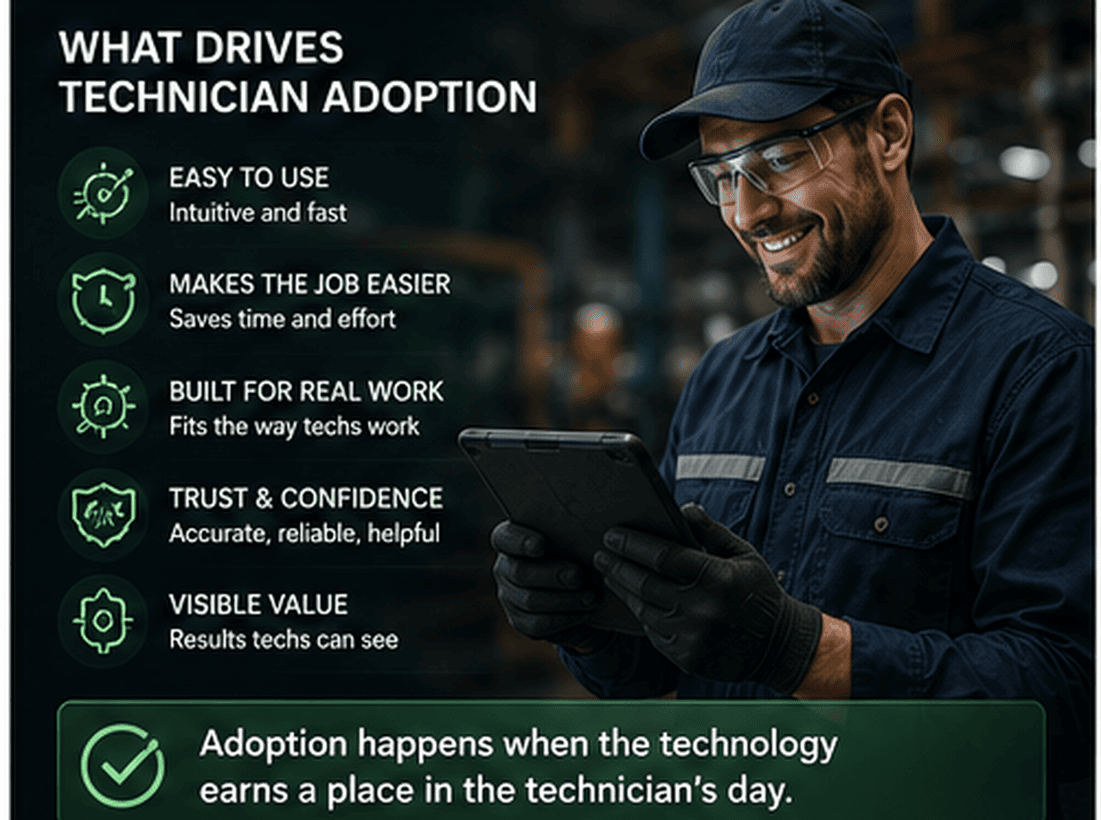
Before evaluating another feature, service leaders should ask a more important question: where does this fit in the technician's day?
A practical adoption-first lens includes five checks.
1. Does it reduce friction at the point of work?
Technicians are more likely to use tools that remove steps, not add them.
Examples of friction-reducing AI include:
- Turning dictated field notes into structured job summaries.
- Suggesting closeout documentation based on job type.
- Detecting missing photos before the technician leaves the site.
- Using computer vision to identify asset labels or visible conditions.
- Providing AR-assisted guidance for complex or unfamiliar procedures.
- Creating a proof packet automatically from captured evidence.
The key is that the AI should reduce backtracking, callbacks, repeat documentation, and supervisor follow-up.
If the technician has to do the job and then separately serve the software, adoption will suffer.
2. Does it respect technician judgment?
Technicians do not want a tool that pretends to know more than the person standing in front of the equipment.
AI guidance should support the technician, not override them. It should present recommended steps, required evidence, safety reminders, prior job context, known issues, or documentation prompts in a way that leaves room for field judgment.
For example, an AR-assisted workflow might guide a technician through a complex inspection, but the technician should still be able to mark a step as not applicable, add context, escalate an exception, or document a field condition that does not match the expected path.
Adoption improves when technicians feel the system is helping them produce better work, not questioning their competence.
3. Does it create value for the technician, not just the office?
Many field technology projects are designed around back-office needs: cleaner records, faster billing, better compliance, better reporting, and improved customer documentation. Those outcomes are important, but they are not enough to drive adoption.
The technician needs to experience value too.
That value may look like:
- Fewer return calls asking for missing photos.
- Less manual typing at the end of the day.
- Clearer job scope before arrival.
- Faster access to procedures or equipment history.
- Better protection against disputed work.
- Less blame when job conditions are documented clearly.
- Easier handoff to another crew or shift.
When technicians see that evidence capture and proof packets protect their work, not just audit it, adoption changes.
4. Does it work in real field conditions?
A field AI workflow must handle imperfect conditions:
- Gloves, ladders, crawlspaces, rooftops, manholes, mechanical rooms, and utility corridors.
- Bright sunlight, low light, noise, dust, moisture, and limited connectivity.
- Shared devices, rugged devices, older phones, or mixed device policies.
- Jobs that change scope after arrival.
- Emergency work where documentation still matters but time is constrained.
If the tool depends on perfect inputs, perfect connectivity, or perfect user behavior, it will fail in the field.
Adoption-ready AI should be forgiving. It should save progress, work with partial information, prompt for missing evidence, and allow technicians to complete the workflow without unnecessary complexity.
5. Does it improve job closeout?
Job closeout is where many field operations lose trust and margin.
A technician may complete the work correctly, but if the documentation is weak, the organization still faces problems:
- Delayed invoicing.
- Customer disputes.
- Supervisor review bottlenecks.
- Compliance gaps.
- Repeat visits caused by unclear handoffs.
- Lost knowledge when experienced technicians leave.
AI-supported closeout can help by turning job evidence into a structured record: photos, videos, asset details, notes, measurements, checklists, exceptions, timestamps, and technician explanations.
A trusted proof packet gives managers, customers, and back-office teams a clearer view of what happened on site. That is where AI becomes operational, not just impressive.
Warning signs that your AI rollout is feature-led instead of adoption-led
If you are evaluating or deploying field AI, watch for these warning signs.
The demo is built around ideal conditions
If the product only looks useful when the job is simple, the asset is clean, the Wi-Fi is strong, and the technician follows every step perfectly, it may not survive real operations.
Ask to see how the workflow handles missing information, poor image quality, interrupted work, exceptions, and changed scope.
The field team is brought in too late
Technicians should not be introduced to the workflow after the buying decision is already complete. They should be part of the design, pilot, and feedback loop.
A small group of respected technicians can identify friction that leaders and software teams may miss.
Success is defined only by office metrics
Billing speed, compliance completeness, and manager visibility matter. But adoption depends on field-level value.
Include technician-facing success measures such as fewer documentation callbacks, faster closeout, fewer duplicate entries, reduced end-of-day admin, and clearer job instructions.
The workflow asks for everything on every job
Over-documentation kills adoption.
Not every job needs the same evidence. A simple maintenance task, a regulated inspection, an emergency repair, and a customer-disputed job should not have identical documentation requirements.
Use job type, asset type, customer requirements, risk level, and compliance needs to guide what evidence is required.
Supervisors do not trust the outputs
If AI-generated summaries or proof packets are inaccurate, incomplete, or hard to review, supervisors will build parallel processes. Once that happens, adoption drops because the field team sees that the official workflow is not actually trusted.
AI outputs should be reviewable, traceable back to source evidence, and easy to correct.
A practical framework: the Technician Adoption Stack
For field AI to work, leaders need more than software deployment. They need an adoption system. One useful way to think about this is the Technician Adoption Stack.
Layer 1: Workflow fit
Start with the job types where AI can remove friction.
Good candidates include:
- Jobs with frequent missing documentation.
- Jobs with repeat visits caused by unclear diagnosis or handoff.
- Jobs with high customer scrutiny.
- Jobs requiring before-and-after proof.
- Jobs where newer technicians need guided support.
- Jobs with inspection, safety, or compliance requirements.
Do not start with the hardest edge case. Start where the workflow is common enough to matter and structured enough to improve.
Layer 2: Evidence design
Define what good proof looks like for each workflow.
For example:
- Required before photo.
- Required after photo.
- Asset tag or serial number capture.
- Measurement or reading.
- Technician note explaining cause and correction.
- Customer-facing summary.
- Exception note if the job could not be completed.
Computer vision and AI prompts can support this process by identifying missing or inconsistent evidence before the technician leaves.
You can also review what a strong proof output should include by exploring a sample proof packet.
Layer 3: Guidance and decision support
This is where AI and AR-assisted workflows can help technicians perform complex work more consistently.
Examples include:
- Step-by-step visual guidance for equipment inspections.
- Safety reminders based on job type.
- Prompts to capture specific angles or components.
- Known failure pattern suggestions.
- Prior service history summaries.
- Escalation prompts when conditions fall outside the expected workflow.
The goal is not to turn technicians into script followers. The goal is to provide timely support, especially for less familiar tasks, uncommon assets, or regulated procedures.
Layer 4: Closeout automation
Once evidence is captured, AI can help structure it into useful outputs:
- Internal job summary.
- Customer-facing work completed summary.
- Supervisor review packet.
- Compliance record.
- Follow-up recommendation.
- Parts or asset notes.
This reduces the burden on technicians while improving the quality of closeout documentation.
Layer 5: Feedback loop
Adoption improves when the field team sees that feedback leads to changes.
Create a clear feedback loop:
- What steps are being skipped?
- Where are technicians adding manual workarounds?
- Which prompts are unclear?
- Which evidence requirements are unnecessary?
- Which AI summaries need correction?
- Which job types are creating the most closeout friction?
The best field AI deployments are not one-time launches. They are operating systems that improve as teams use them.
Mid-post CTA: assess your field AI readiness
Before adding more AI features, evaluate whether your operation is ready for technician adoption.
Take the Field AI Readiness Score to identify where your workflows, evidence capture, closeout process, and technician support model may need attention before a broader rollout.
Operational examples: adoption-first AI in the field
Here are practical examples of how adoption-first thinking changes implementation.
Example 1: HVAC service closeout
A technician replaces a failed component on a rooftop unit. The office needs documentation for the customer, but the technician is working in heat, wind, and limited time.
A feature-led workflow might ask the technician to fill out a long form after the repair.
An adoption-led workflow prompts for only the required evidence during the job:
- Photo of unit nameplate.
- Photo of failed component.
- Photo of replacement installed.
- Short dictated note on cause and corrective action.
- Confirmation that the unit was tested.
AI then structures the documentation into a closeout summary and flags whether any required evidence is missing.
The technician is not doing extra paperwork. The technician is capturing proof while doing the job.
Example 2: Facilities maintenance inspection
A facilities team performs recurring inspections across multiple buildings. Documentation quality varies by technician and site.
An adoption-first AI workflow can provide guided inspection cards, photo prompts, and exception capture. AR-assisted guidance can help newer staff identify components or inspection points. Computer vision can help confirm that the correct asset label or area was captured.
The result is not just cleaner records. It is more consistent inspection behavior and easier supervisor review.
Example 3: Utility or industrial repair handoff
A crew responds to an issue that cannot be fully resolved on the first visit due to access, parts, or safety constraints.
Without strong documentation, the next crew may lose time reconstructing what happened.
An adoption-led workflow captures:
- Site condition photos.
- Asset identification.
- Temporary repair details.
- Safety concerns.
- Parts needed.
- Reason for incomplete resolution.
- Recommended next step.
AI can convert those inputs into a clear handoff packet. That reduces repeat investigation and helps the next crew arrive prepared.
What executives should ask before approving a field AI rollout
Executives do not need to evaluate every technical detail, but they should ask practical adoption questions.
Questions about technician workflow
- Which technician task becomes easier because of this tool?
- What step does this remove or simplify?
- How many taps or screens are required during the job?
- Can the technician use voice, photos, or guided prompts instead of typing everything?
- What happens when the job changes scope?
Questions about evidence and trust
- What proof is required for each job type?
- Can managers trace AI summaries back to source photos, notes, and readings?
- How are missing or low-quality evidence items flagged?
- Can technicians add context or override incorrect assumptions?
- Does the output help customers understand what was done?
Questions about rollout
- Which job type will we pilot first?
- Which technicians will help test the workflow?
- What feedback channel will be used?
- How quickly can workflow changes be made?
- What adoption signals will we monitor?
Questions about integration
- How does this connect to dispatch, work orders, CRM, EAM, CMMS, or FSM systems?
- Will technicians need duplicate entry?
- Where does the proof packet live after closeout?
- How will back-office teams use the structured documentation?
You can also explore an interactive demo to see how AI-assisted evidence capture and workflow support can fit into field operations.
How to increase technician adoption before launch
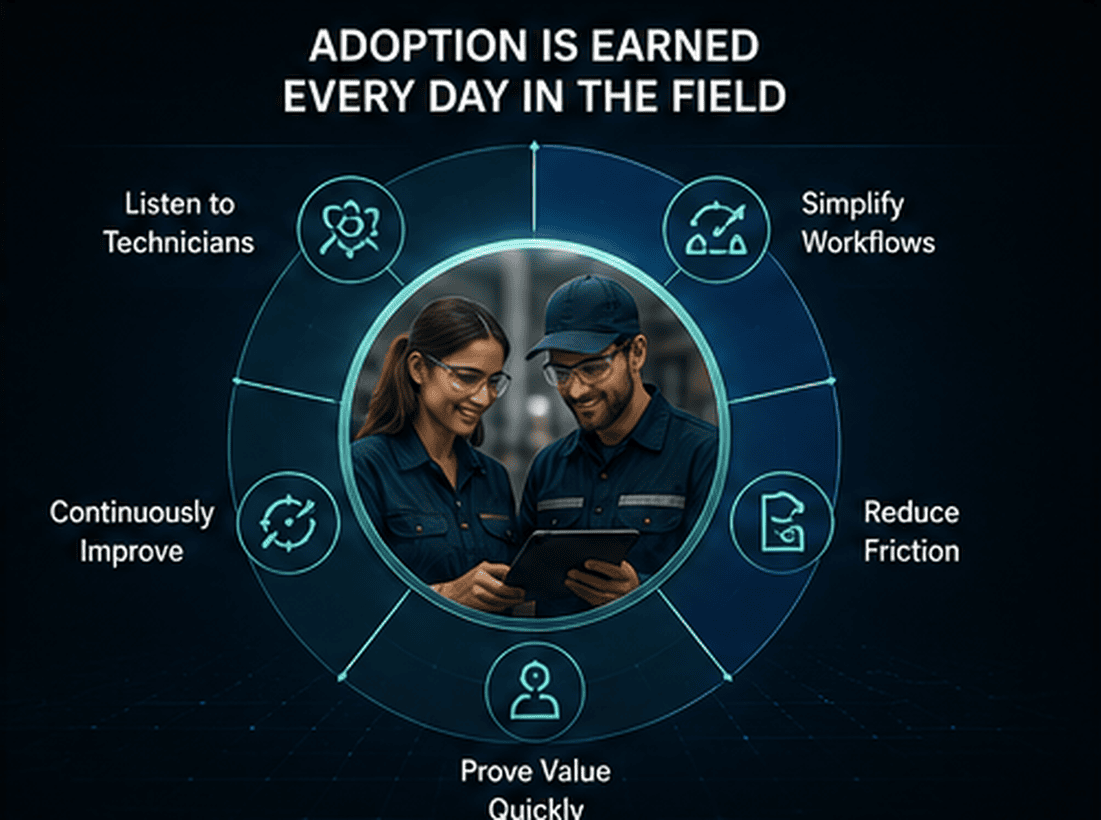
Adoption should be designed before rollout. Here are practical steps.
Start with a narrow pilot
Do not start with every job type, every region, and every technician. Choose a defined workflow where the pain is visible and measurable.
Good pilot candidates include jobs with repeat documentation gaps, frequent customer disputes, inconsistent closeouts, or high training needs.
Recruit credible field champions
Choose technicians who are respected by peers, not just the most enthusiastic technology users. Ask them to test the workflow in real conditions and identify friction.
Their feedback will be more valuable than a polished demo.
Make the first workflow obviously useful
The first workflow should solve a problem technicians recognize.
For example:
- Stop return calls for missing photos.
- Reduce end-of-day note writing.
- Make customer signoff easier.
- Provide better guidance on unfamiliar equipment.
- Capture proof that protects the technician when work is questioned.
If the first experience feels useful, future adoption becomes easier.
Train around scenarios, not features
Feature training often fails because it does not match how technicians think.
Instead of saying the tool has AI photo analysis and automated documentation, train with field scenarios:
- Here is how to close out a repair with before-and-after proof.
- Here is how to document an incomplete job without getting blamed later.
- Here is how to use guided steps when you are unfamiliar with the equipment.
- Here is how to capture customer-ready evidence in under a minute.
Technicians adopt workflows, not feature lists.
Keep managers aligned
Supervisors and dispatch leaders must use the outputs. If managers still ask technicians to send separate texts, emails, or photos after the workflow is complete, the team will assume the new system is optional.
Adoption requires operational consistency.
What product teams should remember
For product teams building AI for field operations, the lesson is simple: design for the truck, not the boardroom.
That means:
- Minimize typing.
- Support voice, photo, and video capture.
- Make required evidence clear.
- Show progress through the workflow.
- Handle interruptions gracefully.
- Give technicians control over final notes.
- Keep AI recommendations explainable.
- Make outputs useful for supervisors and customers.
- Avoid turning every job into a long compliance exercise.
The best AI field workflows feel like a practical Co-Skipper in the field: present when useful, quiet when not needed, and focused on helping the technician complete trusted work.
The real ROI starts with adoption
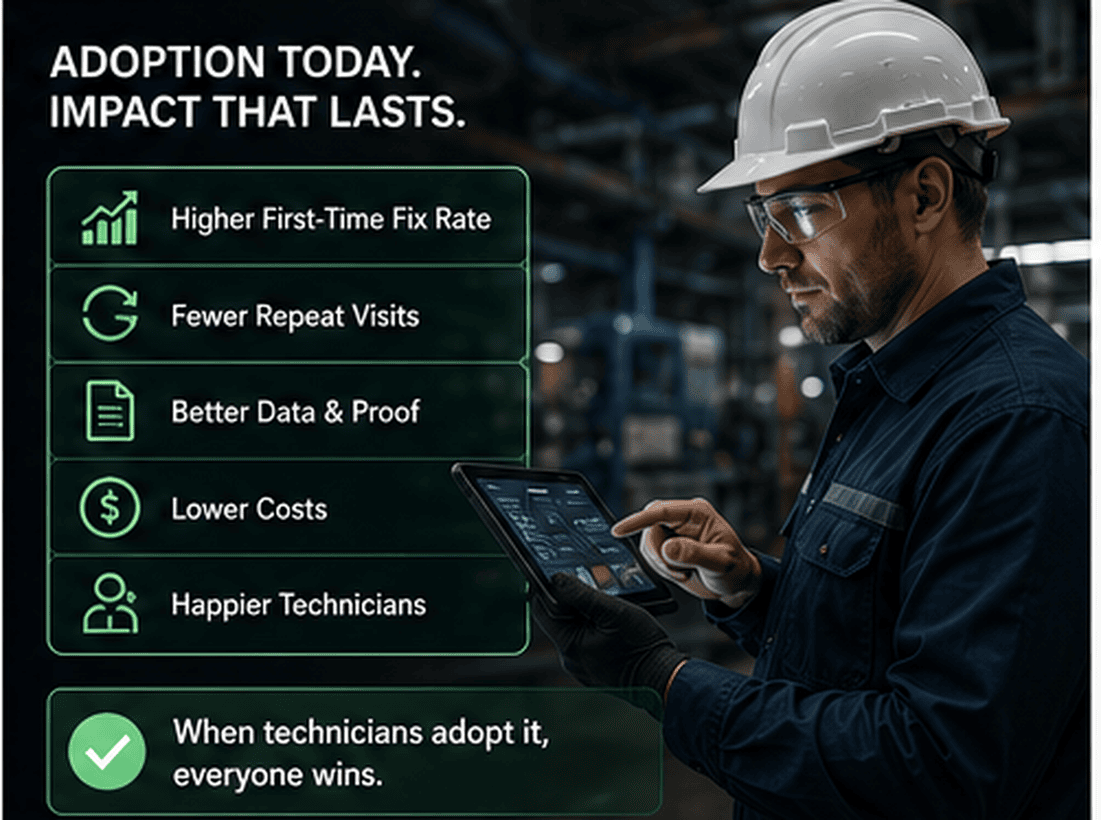
AI features can help reduce repeat visits, improve documentation, support technician performance, and make field work more measurable. But those outcomes depend on consistent use.
The real question is not whether an AI platform can generate a summary or detect something in an image. The real question is whether the technician will use it at the moment it matters.
If the answer is yes, the organization gains better evidence, cleaner handoffs, faster closeout, and more trusted work records.
If the answer is no, even the most advanced AI feature becomes another unused tool.
Technician adoption is not a soft change management topic. It is the operational foundation of field AI success.
End-of-post CTA: pilot field AI with real workflows
If your team is exploring AI-assisted field workflows, evidence capture, AR guidance, computer vision, or proof packets, start with a practical pilot built around technician adoption.
Apply for the CoSkip Pilot Program to test field AI on defined workflows with real operational feedback.
FAQ
Why is technician adoption more important than AI features?
Because AI only creates operational value when it is used during real field work. A powerful feature that technicians skip will not improve closeouts, evidence quality, customer proof, or repeat-visit performance.
What makes technicians more likely to adopt field AI?
Technicians are more likely to adopt AI when it reduces typing, prevents follow-up calls, supports job completion, improves documentation, and protects their work with clear evidence. The workflow must be simple, useful, and reliable in field conditions.
How can AI improve job closeout documentation?
AI can help structure photos, notes, videos, readings, asset details, and checklist responses into a clear job summary or proof packet. It can also flag missing evidence before the technician leaves the site.
What role does computer vision play in technician workflows?
Computer vision can help identify asset labels, visible conditions, components, photo quality issues, and missing required evidence. It is most useful when it helps technicians capture better proof with less manual effort.
How should a company start deploying field AI?
Start with a narrow pilot around a high-friction workflow. Involve respected technicians early, define what good evidence looks like, measure field-level adoption signals, and adjust the workflow based on real job feedback.
