Missing before/after evidence
Without structured before/after proof, teams may struggle to show what changed.
CoSkip helps repair, service, warranty, and contractor teams guide technicians through repeatable workflows, capture before/after evidence, record parts and notes, collect signoff, and create warranty-ready proof packets.
Warranty and repair teams should not have to rebuild the proof after the job. CoSkip captures the evidence while the work is happening.
The repair may be completed correctly, but the evidence is often scattered across photos, notes, part records, messages, and customer signoff. That creates friction for warranty review, customer acceptance, contractor accountability, and supervisor follow-up.
Without structured before/after proof, teams may struggle to show what changed.
Parts, technician notes, and photos are often separated from the workflow step where they matter.
Supervisors and coordinators spend time rebuilding the repair story after the job.
Missing timestamps, signoff, or evidence can create avoidable review delays and follow-up.
Use the readiness score or ROI calculator to identify whether your first pilot should start with warranty repair, before/after evidence, part records, or close-out documentation.
CoSkip turns repeatable repair procedures into guided steps and captures proof at the point of work.
Technicians get prompts for asset verification, repair steps, parts, exceptions, and close-out.
Before/after photos, part notes, timestamps, technician notes, exceptions, and signoff are tied to the workflow step.
The completed repair is organized for supervisor review, customer close-out, warranty support, or contractor verification.
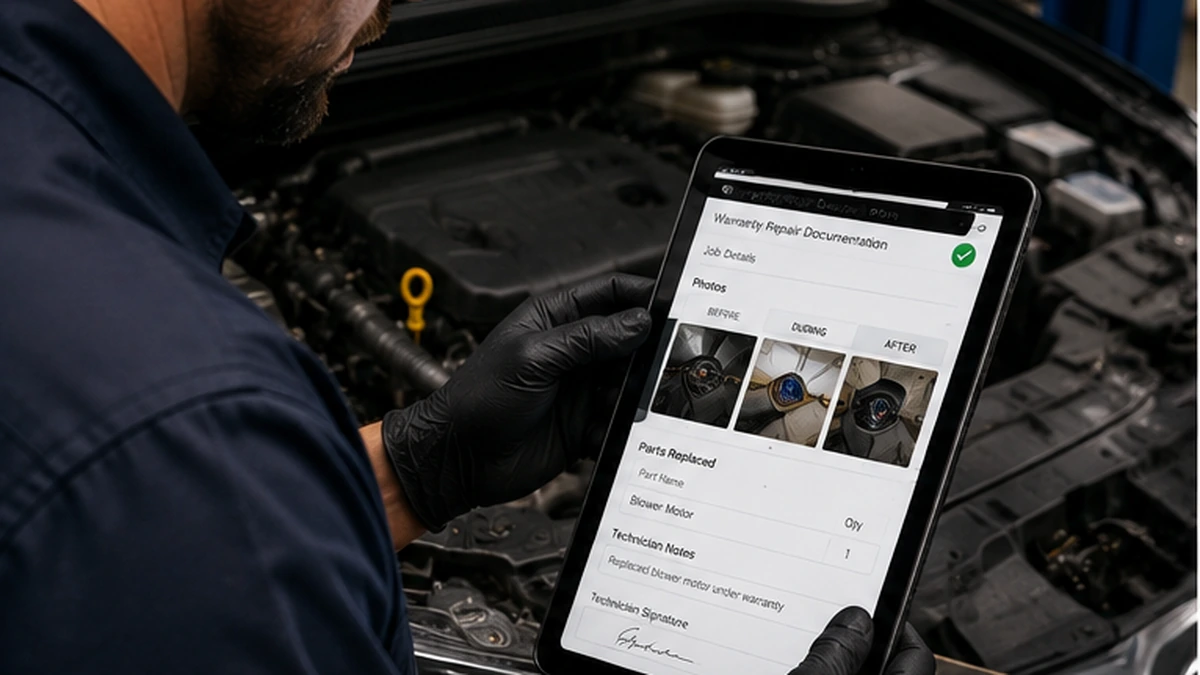
Pain: Warranty review can slow down when before/after proof, parts, and signoff are incomplete or disconnected.
CoSkip value: Guide the repair and create a structured proof packet as the work happens.
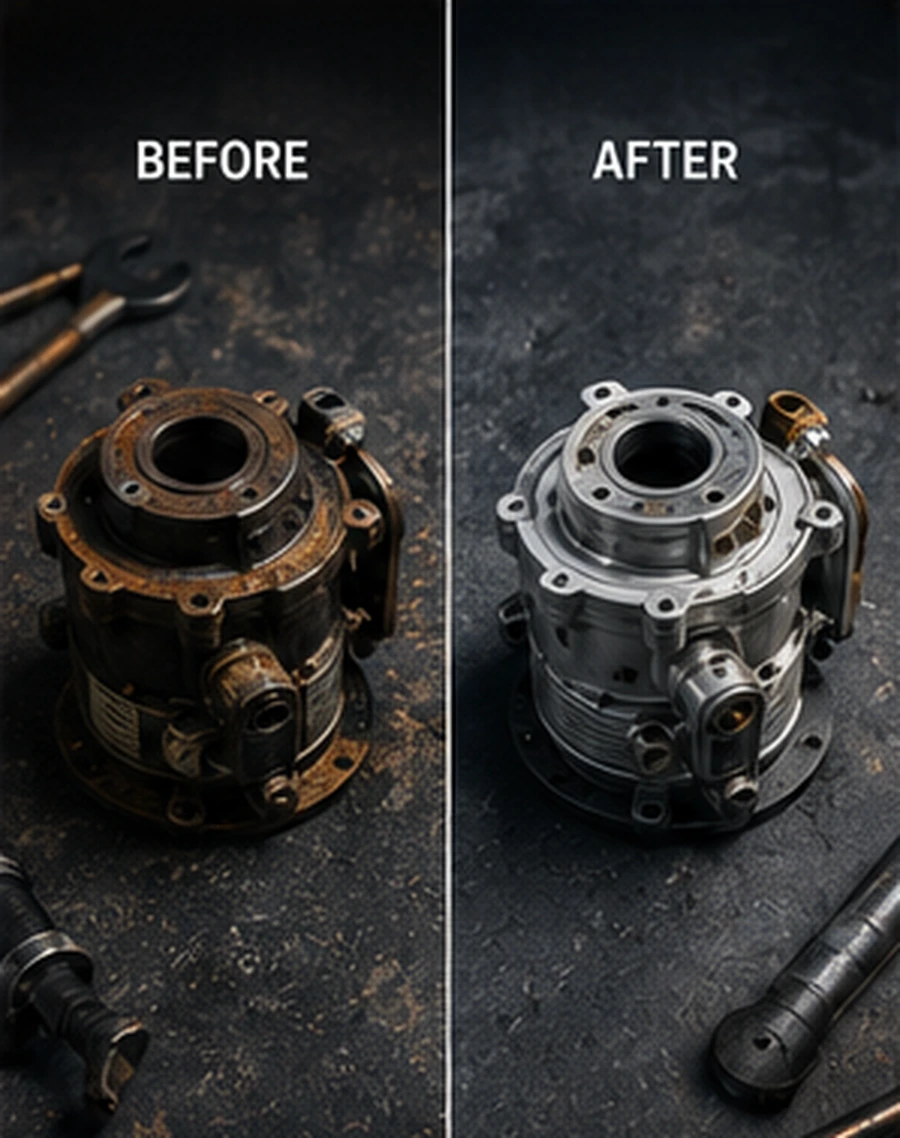
Pain: Teams need clear evidence of the condition before work and the result after completion.
CoSkip value: Prompt the right photos at the right steps and attach them to the repair record.
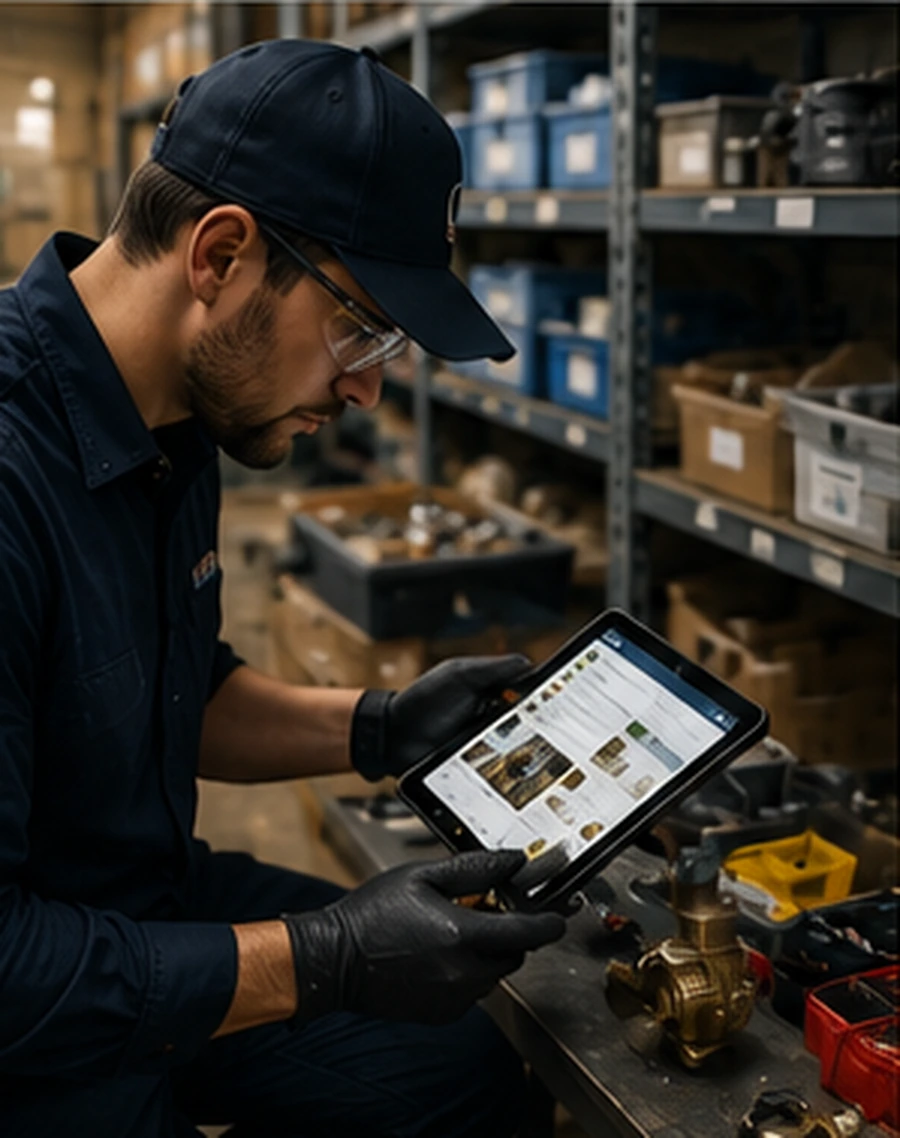
Pain: Part usage, quantities, adjustments, and technician notes can be hard to connect to the job record.
CoSkip value: Capture part information and repair notes inside the guided workflow.
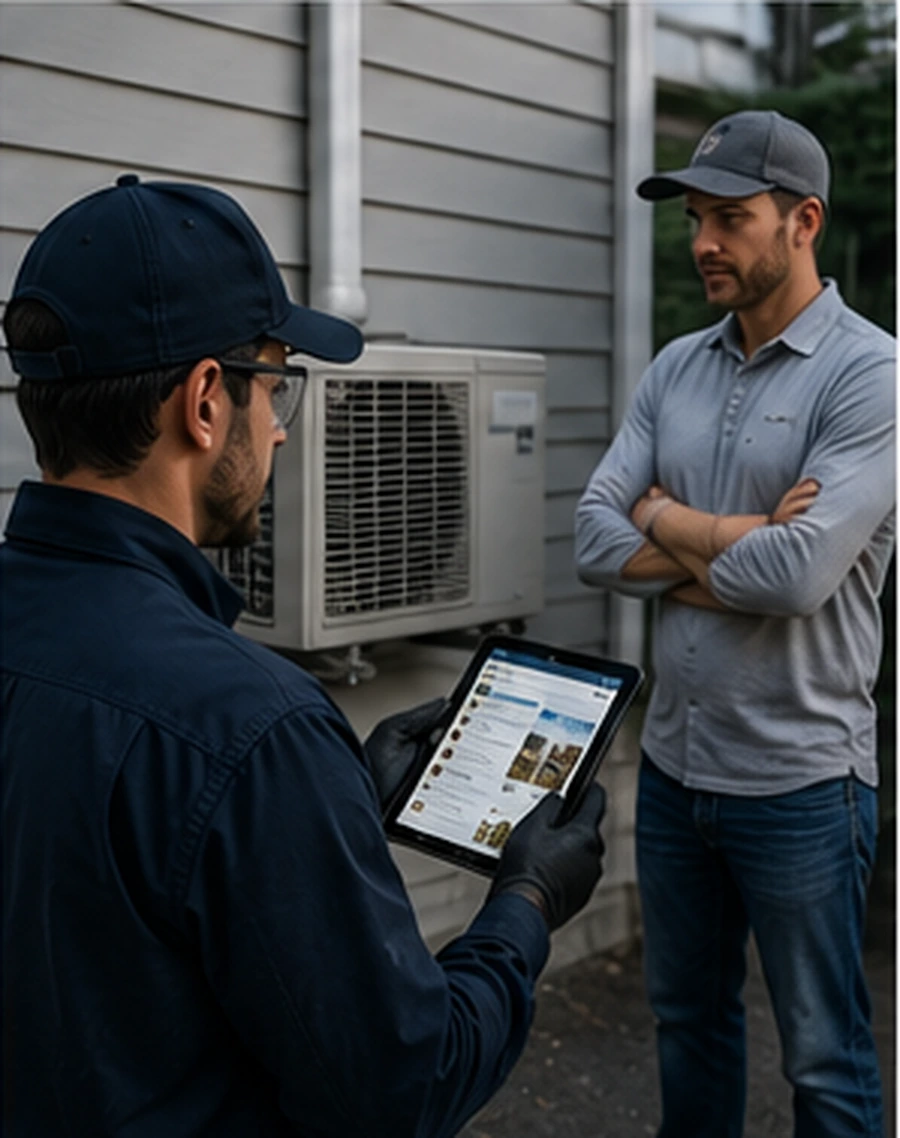
Pain: Internal teams need evidence that contractor-performed repair work was completed correctly.
CoSkip value: Capture step-level proof, exceptions, and close-out evidence in a supervisor-ready packet.

Pain: Customers want a clear record of completed work, open items, and proof of completion.
CoSkip value: Create a customer-ready close-out record with verified steps, notes, proof, and signoff.

Pain: Recurring repairs are hard to diagnose when previous work lacks structured proof and notes.
CoSkip value: Preserve a structured trail of what was checked, replaced, adjusted, and verified.
CoSkip can organize asset verification, before/after evidence, part usage, timestamps, notes, exceptions, and signoff into a structured repair packet.
Prompt technicians to capture the right evidence before and after repair work so the proof is tied to the job step.
Record parts, quantities, replacement/adjustment details, technician notes, and exceptions in the workflow.
Capture customer acknowledgement or technician attestation and generate a close-out packet for review.
A pilot can start with structured proof packets and manual review, then scope exports, APIs, webhooks, or system-of-record integration depending on workflow, security, and IT requirements.
CoSkip can be scoped around FSM, CMMS, warranty management systems, ERP, work order systems, service management tools, spreadsheets, manual review, APIs, or webhooks.
Pilot scoping can include SSO/SAML, MDM, retention expectations, access control, audit logs, zero-retention options, and DPA/security review.
Repair workflows may involve mobile devices, photos, signoff, connectivity constraints, customer site conditions, and contractor close-outs.
Start with one repeatable repair workflow, a few sample procedures or close-out examples, and a small group of technicians, contractors, or supervisors.
Choose warranty repair, before/after evidence, part replacement, contractor verification, or customer close-out.
Turn procedures into guided steps with required evidence, part records, notes, and signoff.
Validate step clarity, evidence quality, and usability in real repair conditions.
Measure proof completeness, close-out friction, adoption, and next-step options.
Tell us about your repair workflow, warranty documentation needs, and proof-of-work gaps. We'll help determine whether CoSkip is a good fit for a focused pilot.
No. CoSkip is designed for repeatable field workflows where teams need guidance and organizations need proof-of-work. Warranty repair, before/after evidence, part documentation, contractor repair verification, and customer close-out can all be strong fits.
No. CoSkip does not guarantee claim approval. It is designed to help teams capture structured proof, notes, timestamps, parts, and signoff so warranty or repair records are easier to review.
No. CoSkip is designed to guide field execution and capture proof during the work. Your system of record can remain in place, while exports or integrations are scoped during a pilot.
A pilot can be scoped around contractor repair verification where structured proof, timestamps, exception notes, before/after evidence, and signoff are valuable.
No. Voice-guided steps and proof capture can be tested first. AR-style overlays can be added where devices, workflow, and field conditions support them.
One repeatable repair workflow, 3-5 sample procedures or proof packets, one pilot owner, 1-2 field leads or supervisors, and a measurable success metric.
Review the warranty proof packet, try the Interactive Demo, or take the Field AI Readiness Score to identify the right starting point.